• Pricing
  • Talk to sales

Features

  • Overview
  • AI presentation
  • AI quiz generator
  • Live polling
  • Word cloud
  • Quiz
  • Q&A
  • Survey
  • Presentations

Resources

  • Blog
  • How to
  • Work
  • Education
  • Templates
  • Webinars
  • Comparison
  • Stories
  • Integrations

Details

  • Legal
  • Policies
  • Accessibility
  • Help center
  • Requirements
  • AI at Mentimeter

About us

  • Press info
  • The team
  • Jobs
  • Culture
  • Benefits
  • Contact us
  • Climate
  • Investors

Choose your language

Connect with us!

  • Overview
  • AI presentation
  • AI quiz generator
  • Live polling
  • Word cloud
  • Quiz
  • Q&A
  • Survey
  • Presentations
  • Blog
  • How to
  • Work
  • Education
  • Templates
  • Webinars
  • Comparison
  • Stories
  • Integrations
  • Legal
  • Policies
  • Accessibility
  • Help center
  • Requirements
  • AI at Mentimeter
  • Press info
  • The team
  • Jobs
  • Culture
  • Benefits
  • Contact us
  • Climate
  • Investors

Choose your language

Connect with us!


(c) 2026 Mentimeter. All rights reserved.

PrivacyTerms and Conditions

Mentimeter for Moodle

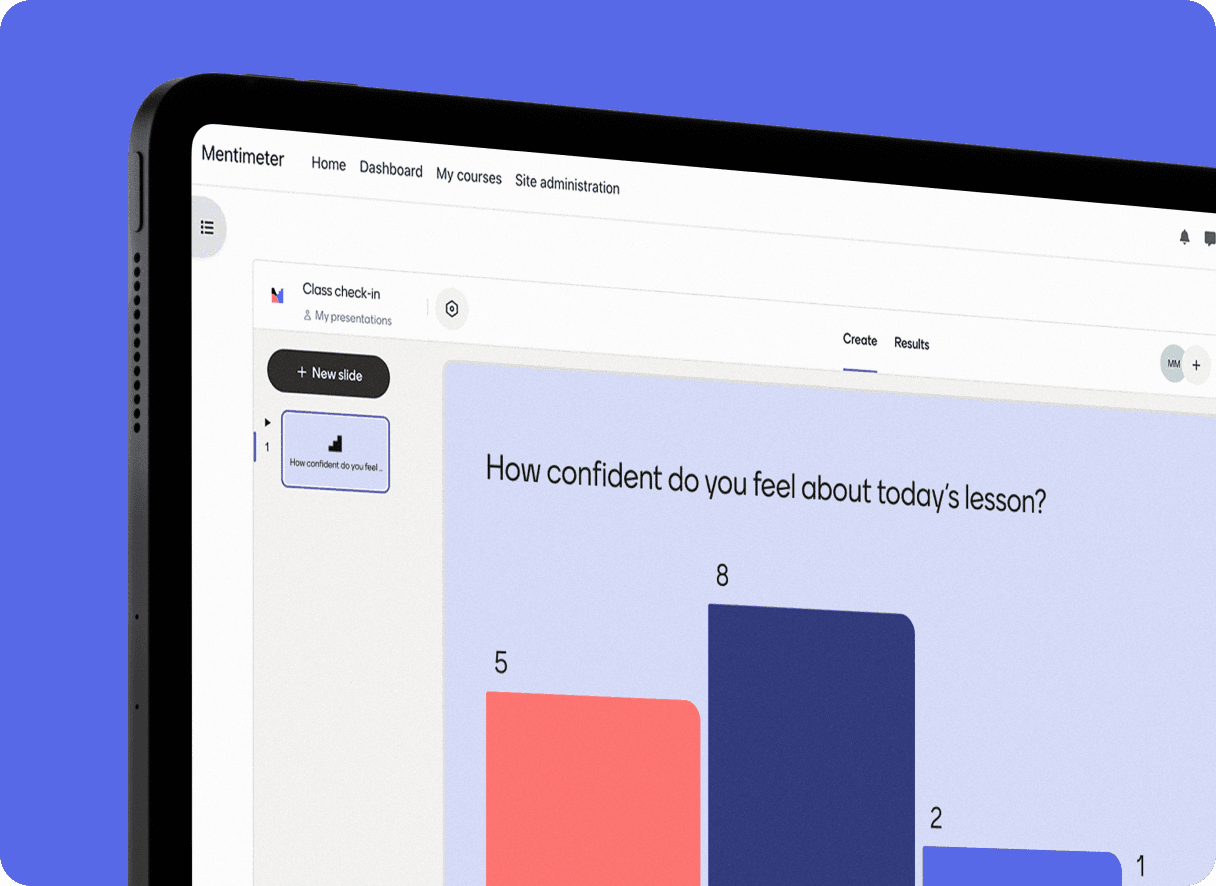
Run live or self-paced Mentimeter activities inside Moodle. Keep things anonymous by default, or sync results to the Moodle gradebook when you need to. Available now in our campus-wide plans.
Get in touch
Moodle hero

Created for Educators

Quick setup, real results

You've connected Mentimeter to your LMS. Now what?

Improvements for
teaching in Moodle

Questions, meet
answers.

Curiosity happens. We’ve answered our most frequently asked questions in one place.

Mentimeter for Moodle

Run live or self-paced Mentimeter activities inside Moodle. Keep things anonymous by default, or sync results to the Moodle gradebook when you need to. Available now in our campus-wide plans.

Get in touch
Moodle hero

Created for Educators

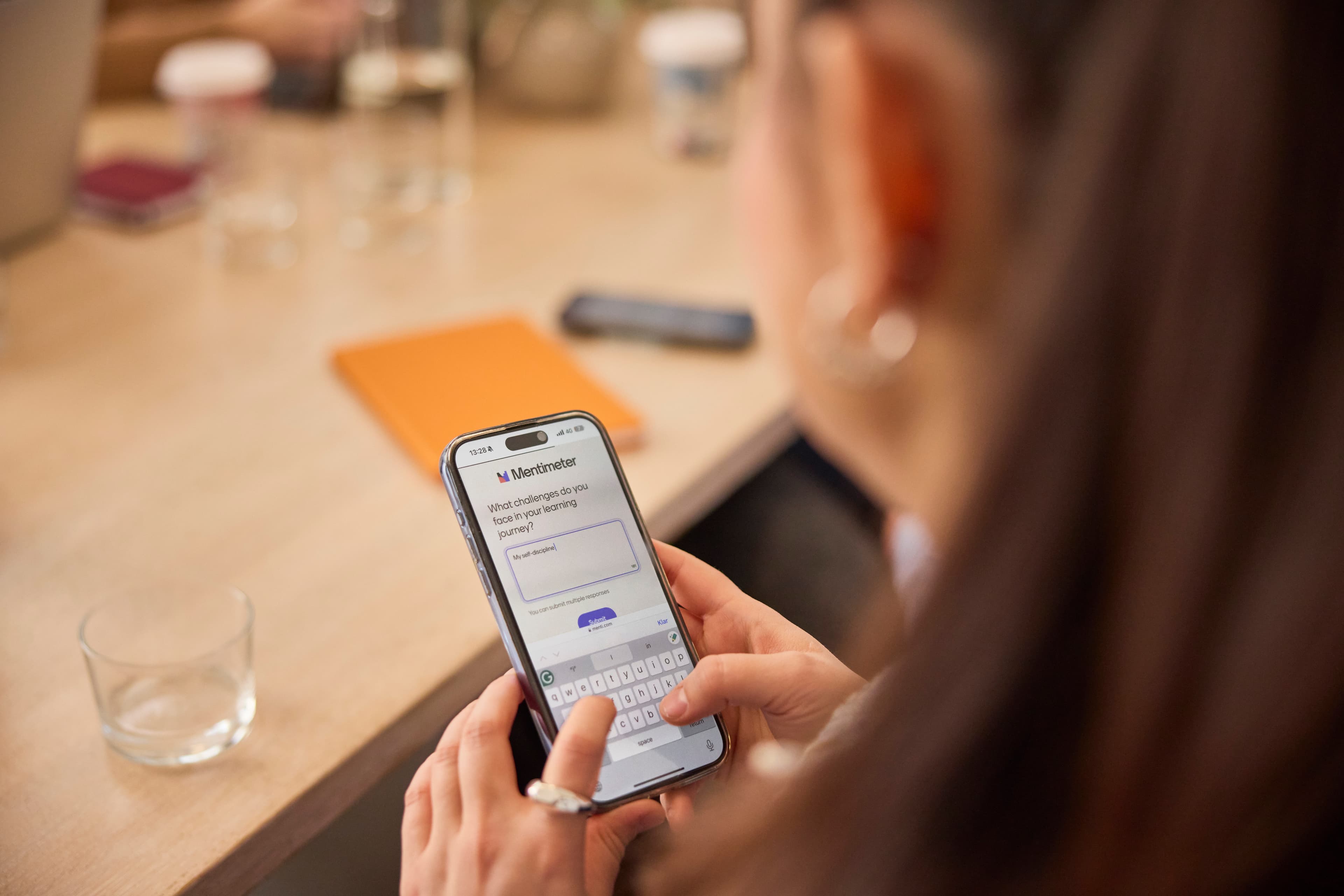
Everything stays where the course lives. Students can revisit activities for study, catch-up, and reflection.
Canvas 1 featured content
Easy to buildYou can duplicate, use templates, or even import from other tools.
Canvas 2 featured content
You get engagement without losing structure.The LMS remains the home base. Mentimeter makes it interactive.
Canvas 3 featured content
Made for real teaching workflows.Run it live or asynchronous, keep it anonymous by default, and sync to gradebook only when it needs to count.
Canvas 4 featured content
Previous
Next

Quick setup, real results

You've connected Mentimeter to your LMS. Now what?

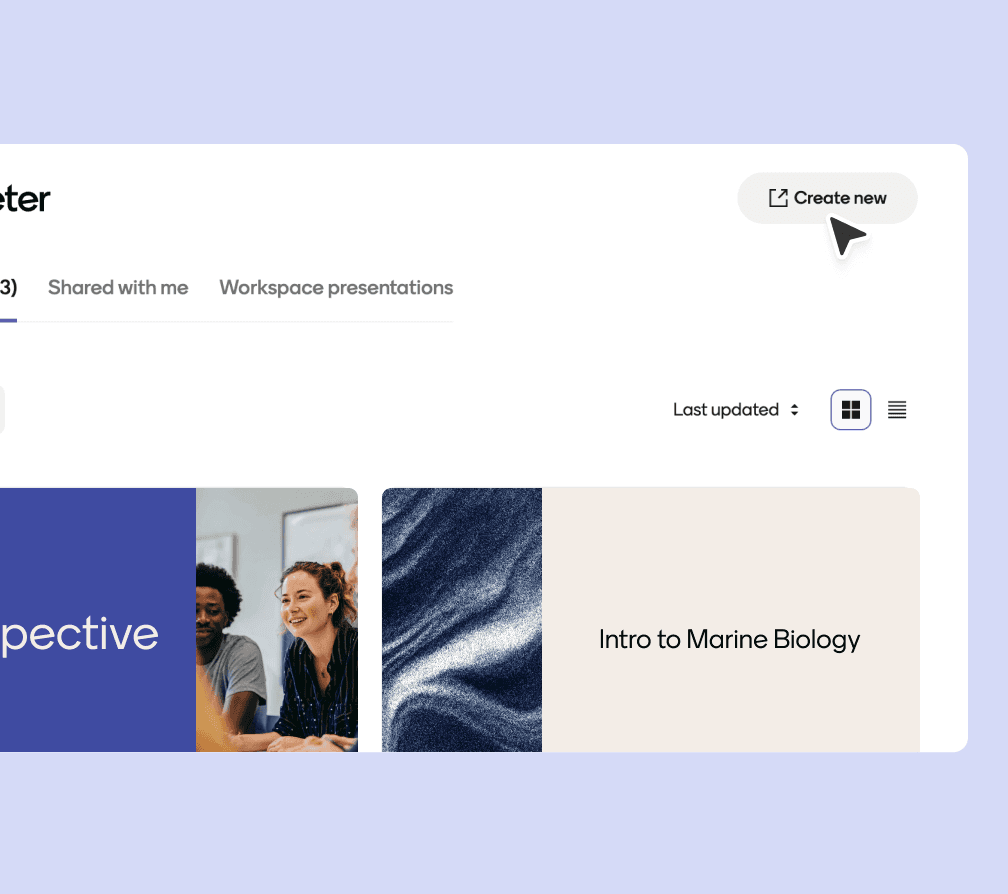
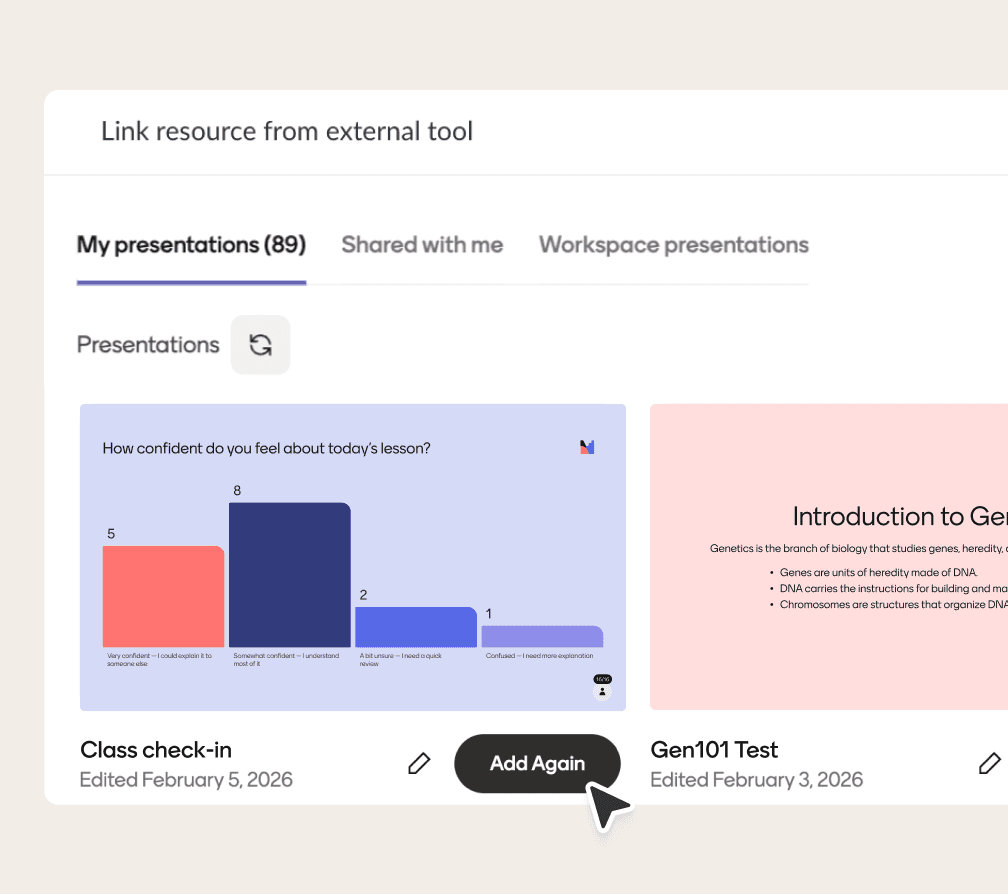
Create a Menti

Inside your LMS, you can create a Menti from scratch, use an old favorite, or let AI suggestions help you build faster.
Moodle 1

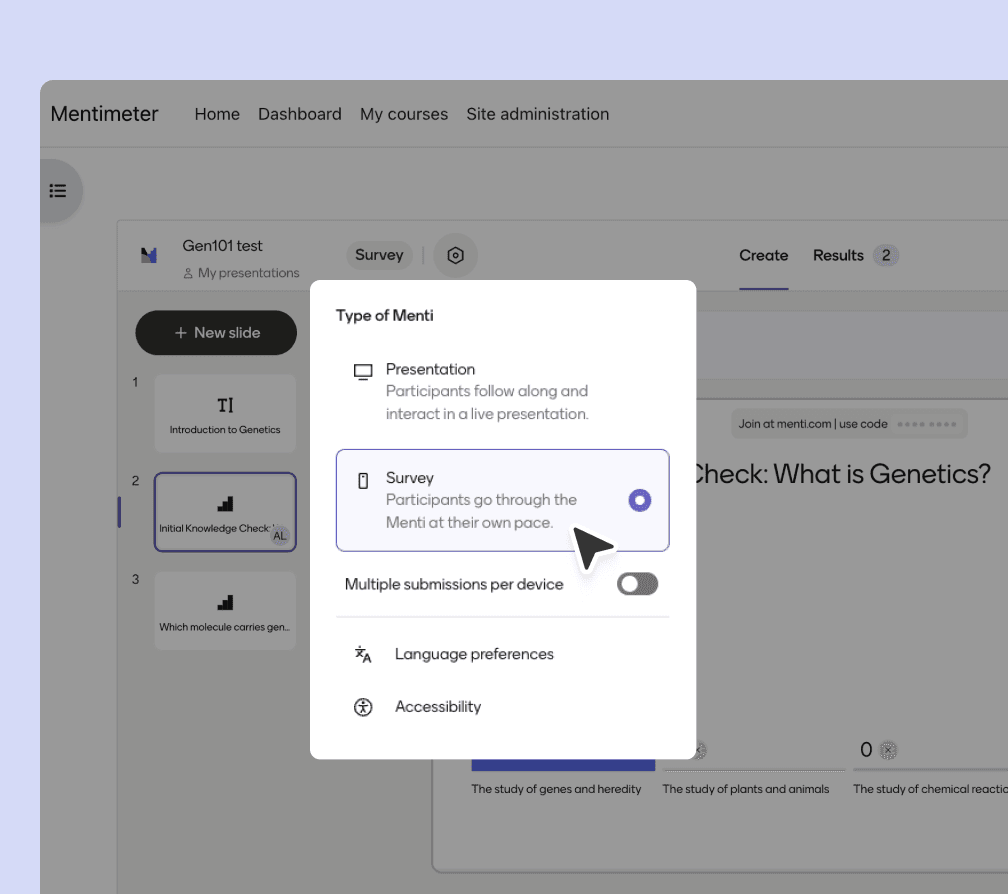
Run it live or asynch

Live session, asynchronous “survey mode”, or a mix of both.
Moodle 2

Sync results when you’re ready

Send attendance, participation, or quiz results back to the gradebook in a couple of clicks.
Moodle 3

Improvements for
teaching in Moodle

More ways to sync

Attendance, participation, and quiz accuracy.

Grades that add up

Max points are respected. No surprise 100/100s.

Cleaner course roles

Admins testing as students show up as students.

Easier account linking

Connect your account once, never login again

Anonymous or graded

Mentis start anonymous by default, and grading is your decision.

Jani Lemmetyinen, UEF
“ Mentimeter's Moodle integration is LTI-based, easy to activate, and co-created with universities.”
Jani LemmetyinenDevelopment Manager in Digital Learning Solutions, University of Eastern Finland

Questions, meet
answers.

Curiosity happens. We’ve answered our most frequently asked questions in one place.

Step 1: Setup the integration in Moodle

Step 2: Configure Tool Settings

Step 3: Confirm integration

For detailed instructions, visit our Help Center.

No, they don’t need a Mentimeter account. They can use the QR code or join from the LMS (required for graded activities).

If you want to track attendance and participation, get your students to join from the LMS. If not, use the QR code.

Yes. You can capture identity for grade sync while keeping names hidden from the student view during the activity.

Moodle supports restricting access by group when you want different cohorts to complete different activities.

Typically, an admin enables the LTI tool at the site level. After that, instructors add it to their courses.

Turn your Moodle course into a conversation

Anonymous by default, gradebook sync when needed.
Get in touch
Everything stays where the course lives. Students can revisit activities for study, catch-up, and reflection.
Canvas 1 featured content
Easy to buildYou can duplicate, use templates, or even import from other tools.
Canvas 2 featured content
You get engagement without losing structure.The LMS remains the home base. Mentimeter makes it interactive.
Canvas 3 featured content
Made for real teaching workflows.Run it live or asynchronous, keep it anonymous by default, and sync to gradebook only when it needs to count.
Canvas 4 featured content
Previous
Next

Create a Menti

Inside your LMS, you can create a Menti from scratch, use an old favorite, or let AI suggestions help you build faster.
Moodle 1

Run it live or asynch

Live session, asynchronous “survey mode”, or a mix of both.
Moodle 2

Sync results when you’re ready

Send attendance, participation, or quiz results back to the gradebook in a couple of clicks.
Moodle 3

More ways to sync

Attendance, participation, and quiz accuracy.

Grades that add up

Max points are respected. No surprise 100/100s.

Cleaner course roles

Admins testing as students show up as students.

Easier account linking

Connect your account once, never login again

Anonymous or graded

Mentis start anonymous by default, and grading is your decision.

Jani Lemmetyinen, UEF
“ Mentimeter's Moodle integration is LTI-based, easy to activate, and co-created with universities.”
Jani LemmetyinenDevelopment Manager in Digital Learning Solutions, University of Eastern Finland

Step 1: Setup the integration in Moodle

Step 2: Configure Tool Settings

Step 3: Confirm integration

For detailed instructions, visit our Help Center.

No, they don’t need a Mentimeter account. They can use the QR code or join from the LMS (required for graded activities).

If you want to track attendance and participation, get your students to join from the LMS. If not, use the QR code.

Yes. You can capture identity for grade sync while keeping names hidden from the student view during the activity.

Moodle supports restricting access by group when you want different cohorts to complete different activities.

Typically, an admin enables the LTI tool at the site level. After that, instructors add it to their courses.

Turn your Moodle course into a conversation

Anonymous by default, gradebook sync when needed.
Get in touch
Log in
Sign up