• Pricing
  • Talk to sales

Features

  • Overview
  • AI presentation
  • AI quiz generator
  • Live polling
  • Word cloud
  • Quiz
  • Q&A
  • Survey
  • Presentations

Resources

  • Blog
  • How to
  • Work
  • Education
  • Templates
  • Webinars
  • Comparison
  • Stories
  • Integrations

Details

  • Legal
  • Policies
  • Accessibility
  • Help center
  • Requirements
  • AI at Mentimeter

About us

  • Press info
  • The team
  • Jobs
  • Culture
  • Benefits
  • Contact us
  • Climate
  • Investors

Choose your language

Connect with us!

  • Overview
  • AI presentation
  • AI quiz generator
  • Live polling
  • Word cloud
  • Quiz
  • Q&A
  • Survey
  • Presentations
  • Blog
  • How to
  • Work
  • Education
  • Templates
  • Webinars
  • Comparison
  • Stories
  • Integrations
  • Legal
  • Policies
  • Accessibility
  • Help center
  • Requirements
  • AI at Mentimeter
  • Press info
  • The team
  • Jobs
  • Culture
  • Benefits
  • Contact us
  • Climate
  • Investors

Choose your language

Connect with us!


(c) 2026 Mentimeter. All rights reserved.

PrivacyTerms and Conditions
Log in
Sign up
Different perspectives_speech bubbles

Inclusive by design

From classes to campus-wide meetings, help every voice get heard. Not just the loudest.

Partners in progress illustration

Partners in progress

A customer success team that gets your goals — and how to reach them.

Understand, adapt, improve_pencil stairs

Understand, adapt, improve

Scale what works. Turn insights into smarter support and happier students.

It all starts with participation

Fuel a cycle of engagement that turns stale meetings, trainings, and communications into active, collaborative experiences.

Real classes,
real results

Hear from educators using Mentimeter to connect, adapt, and improve learning at their institutions.

NEW TECH?
NO STRESS.

Focus on learning for all, not troubleshooting tools.
Our customer success team is here for you.

YOUR STUDENTS. BUT ENGAGED.

Whether you’re teaching, designing a course, or leading academic strategy, Mentimeter can help you spark curiosity, check understanding, and improve learning across the board.


By submitting this form you agree to our terms of service and privacy policy.
Different perspectives_speech bubbles

Inclusive by design

From classes to campus-wide meetings, help every voice get heard. Not just the loudest.
Partners in progress illustration

Partners in progress

A customer success team that gets your goals — and how to reach them.
Understand, adapt, improve_pencil stairs

Understand, adapt, improve

Scale what works. Turn insights into smarter support and happier students.

Trusted by 500+ million users worldwide

  • Bosch Logo
  • The University of Manchester Logo
  • NHS Logo
  • Deakin University Logo
  • siemens logo
  • University of York Logo

It all starts with participation

Fuel a cycle of engagement that turns stale meetings, trainings, and communications into active, collaborative experiences.

Use a pre-lecture survey to set a baseline — then use polls, Scales, and Word Clouds to keep students engaged and actively learning.

Formative assessments made easier. Run polls and quizzes during lectures to check understanding in real time. Then adapt your teaching on the spot.

Boost student response rates by asking for feedback while it’s still fresh, and use those insights to know what works (and doesn’t).

Real classes,
real results

Hear from educators using Mentimeter to connect, adapt, and improve learning at their institutions.
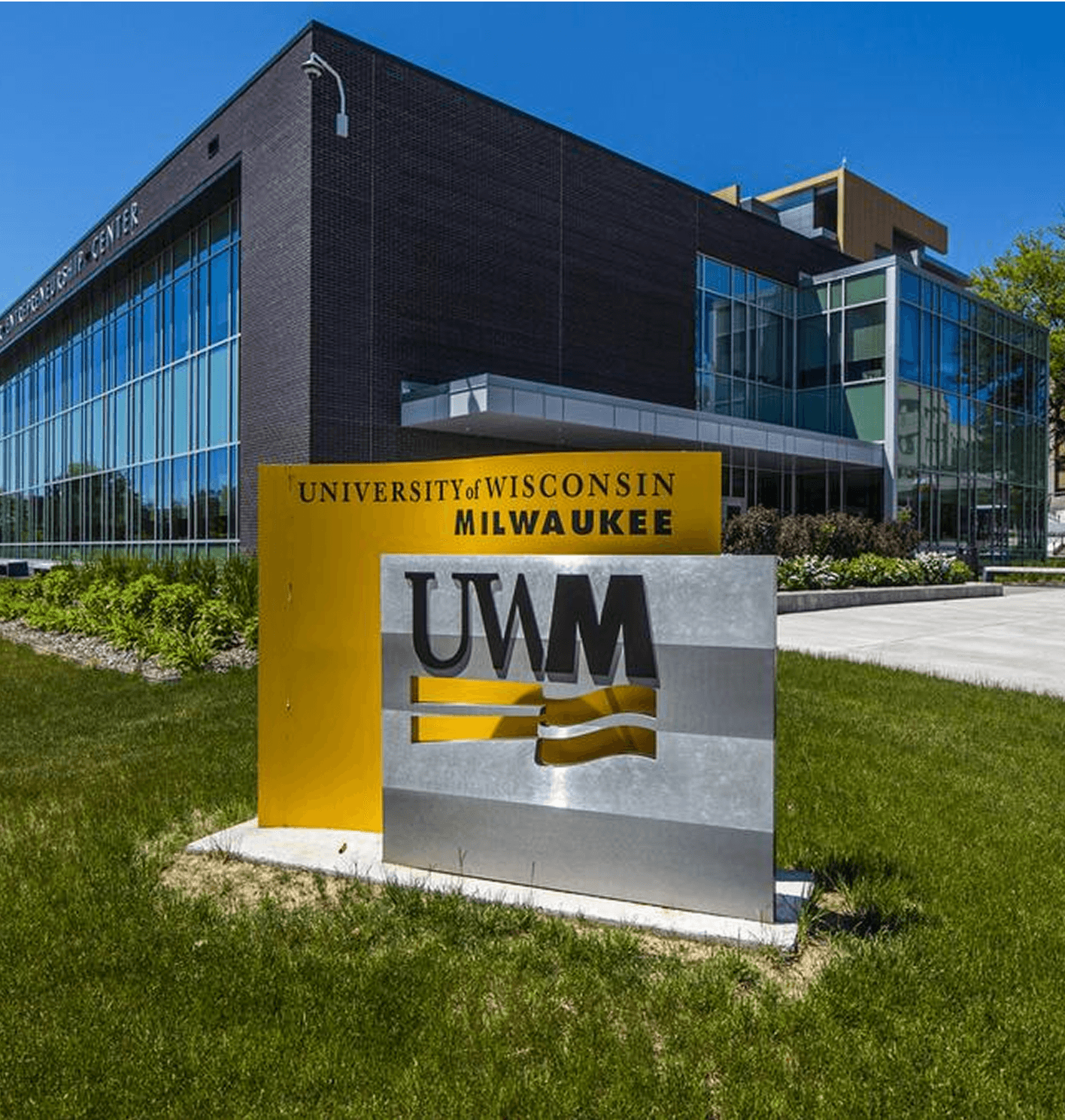
University of Wisconsin Milwaukee logo
Read case
University of Wisconsin Milwaukee featured content
Engaging mindsHow to keep marketing students leaning in with lessons that spark curiosity, connection, and real-world confidence.
University of Technology Sydney logo
Read case
University of Technology Sydney featured content
Improved experienceHow UTS brings energy to every room — from lecture halls to staff meetings — with tools that get everyone involved.
University of Greenwich logo
Read case
University of Greenwich featured content
Transforming
educationHow the University of Greenwich replaced passive learning with tech-driven, active moments engaging every student.
Technical University of Vienna logo
Read case
Technical University of Vienna featured content
Fostering inclusivityInstructors at TU Wien invite students to post their questions or responses anonymously during lectures and panel discussions, making everyone feel welcome and heard.
Technical University of Vienna
University of Technology Sydney

NEW TECH?
NO STRESS.

Focus on learning for all, not troubleshooting tools.
Our customer success team is here for you.

Get set up

Count on us for a smooth start: resources, support, and everything in between.
Two people working on laptop

Help your students learn

Keep everyone sharp and current with new feature updates, walkthroughs, and trainings.
Two people in a meeting

Manage growth

License support that grows with you — scale while staying on top of compliance.
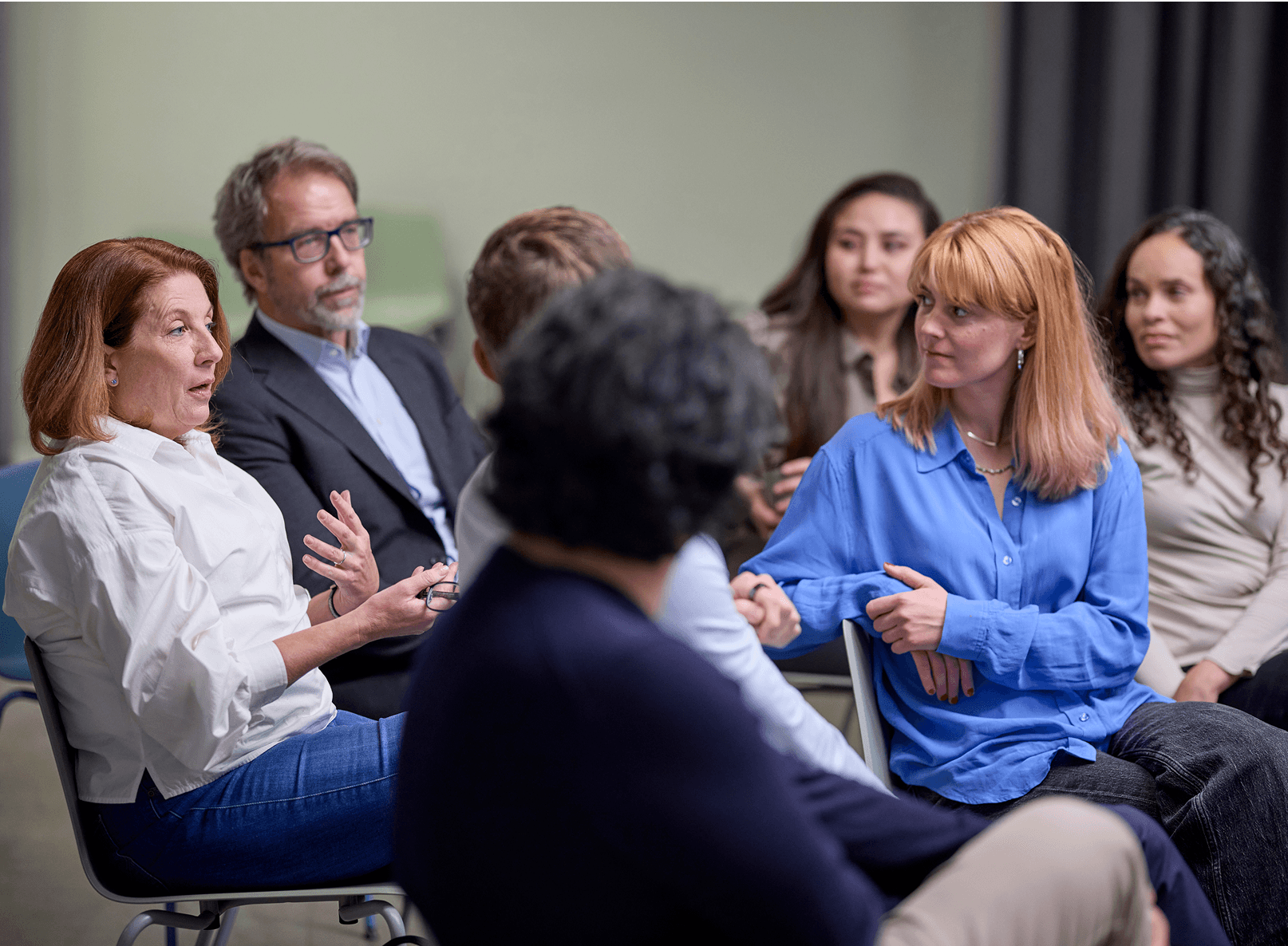
Listening to a presentation

Bring Mentimeter into
your LMS

Engage your students and track attendance where your course already lives.
Canvas logo2

Canvas

Built for modules, assignments, and course flow. Anonymous by default, gradebook sync when needed.
Read more
Blackboard2

Blackboard

Made to fit right into your course content. Anonymous by default, gradebook sync when needed.
Read more
Moodle 2

Moodle

Built for modules, assignments, and course flow. Anonymous by default, gradebook sync when needed.
Read more
Brightspace logo

Brightspace

Built for modules, assignments, and course flow. Anonymous by default, gradebook sync when needed.
Read more

Scale smart.
Stay secure.

With 100+ licenses, you get advanced security, smart data control, and extra peace of mind as you scale.

Access control

You decide who has access to presentations and results.

SCIM

Automated license provisioning.

Single Sign-On (SSO)

Secure credentials and verified participants.

Custom data retention

You’re in charge of how long presentation data is stored.

Data protection

Your data is always kept secure.

ISO

Information Security Management System (ISMS) exceeds standards.

Visit the Trust Center

From moments
to momentum

Strategies and ideas to activate learning, one moment at a time.
Get formative assessments rightFive essential rules for formative assessment, based on interviews, research, and the best material published.
Learn more
Get formative assessments right featured content
Create a space for learningWhat an “inclusive” classroom actually means, and concrete tips about the tools which make it so much easier.
Learn more
Create a space for learning featured content
Build a learning culturePractical steps for creating a scalable learning culture at works for everyone on the team.
Learn more
Build a learning culture featured content
Harness the power of engagementEducators know the value of engagement. Transform your teaching with these student engagement strategies.
Learn more
Harness the power of engagement featured content
Previous
Next

Questions, meet
answers.

Curiosity happens. We’ve answered our most frequently asked questions in one place.

Each user who wants to create, edit, or present a presentation needs their own account - their own license. Therefore, the total number of licenses you will need depends on how many of your colleagues would like to create, edit, or present Mentimeter presentations.

If your organization has an existing Enterprise plan, they will likely have Single Sign-On (SSO) enabled. In this case, you can go to the Single Sign-On page, enter the name of your organization, and sign in using your usual work credentials. If you signed up for Mentimeter with your work email, you can check if your organization has a discoverable workspace you can join. Go to your account settings and select "Find workspace". If one is available, you can either join or request to join depending on your organization's workspace settings. Follow the instructions and complete the verification. If you’re having trouble finding a workspace, check with your IT team or reach out to support@mentimeter.com so we can help.

The Enterprise plan enables you to make presentations with an unlimited number of interactive and content slides. You also have an unlimited number of participants who can vote on your presentations.

Our Faculty Wide and Campus Wide plans are designed for use in larger teams (100+ presenters), have more advanced admin possibilities, and offer added security features, such as SSO and SCIM. Plus, with these plans you’ll have a dedicated Customer Success Manager who will offer tailored training sessions to your users and help maximize your usage.

If you are planning to run a one-time event, such as a conference, we do offer a one-off pricing plan. Please visit the Mentimeter for Conferences page for more information and to purchase this plan.

A shield with the text "Fall 2025 - best Usability" written on it
4.76 rating out of 671 review
A shield with the text "Fall2025 - best relationship" written on
4.76 rating out of 671 review

Curious?

Get in touch for more info and solutions — even book a demo.

Not just a sales call. Let’s think together.

A few details from you and we’ll take it from there.


By submitting this form you agree to our terms of service and privacy policy.

More of Mentimeter

    Success stories
    Use Cases
    Network with us

YOUR STUDENTS. BUT ENGAGED.

Whether you’re teaching, designing a course, or leading academic strategy, Mentimeter can help you spark curiosity, check understanding, and improve learning across the board.


By submitting this form you agree to our terms of service and privacy policy.

Trusted by 500+ million users worldwide

  • Bosch Logo
  • The University of Manchester Logo
  • NHS Logo
  • Deakin University Logo
  • siemens logo
  • University of York Logo

Use a pre-lecture survey to set a baseline — then use polls, Scales, and Word Clouds to keep students engaged and actively learning.

Formative assessments made easier. Run polls and quizzes during lectures to check understanding in real time. Then adapt your teaching on the spot.

Boost student response rates by asking for feedback while it’s still fresh, and use those insights to know what works (and doesn’t).
University of Wisconsin Milwaukee logo
Read case
University of Wisconsin Milwaukee featured content
Engaging mindsHow to keep marketing students leaning in with lessons that spark curiosity, connection, and real-world confidence.
University of Technology Sydney logo
Read case
University of Technology Sydney featured content
Improved experienceHow UTS brings energy to every room — from lecture halls to staff meetings — with tools that get everyone involved.
University of Greenwich logo
Read case
University of Greenwich featured content
Transforming
educationHow the University of Greenwich replaced passive learning with tech-driven, active moments engaging every student.
Technical University of Vienna logo
Read case
Technical University of Vienna featured content
Fostering inclusivityInstructors at TU Wien invite students to post their questions or responses anonymously during lectures and panel discussions, making everyone feel welcome and heard.
Technical University of Vienna
University of Technology Sydney

Get set up

Count on us for a smooth start: resources, support, and everything in between.
Two people working on laptop

Help your students learn

Keep everyone sharp and current with new feature updates, walkthroughs, and trainings.
Two people in a meeting

Manage growth

License support that grows with you — scale while staying on top of compliance.
Listening to a presentation

Bring Mentimeter into
your LMS

Engage your students and track attendance where your course already lives.
Canvas logo2

Canvas

Built for modules, assignments, and course flow. Anonymous by default, gradebook sync when needed.
Read more
Blackboard2

Blackboard

Made to fit right into your course content. Anonymous by default, gradebook sync when needed.
Read more
Moodle 2

Moodle

Built for modules, assignments, and course flow. Anonymous by default, gradebook sync when needed.
Read more
Brightspace logo

Brightspace

Built for modules, assignments, and course flow. Anonymous by default, gradebook sync when needed.
Read more

Scale smart.
Stay secure.

With 100+ licenses, you get advanced security, smart data control, and extra peace of mind as you scale.

Access control

You decide who has access to presentations and results.

SCIM

Automated license provisioning.

Single Sign-On (SSO)

Secure credentials and verified participants.

Custom data retention

You’re in charge of how long presentation data is stored.

Data protection

Your data is always kept secure.

ISO

Information Security Management System (ISMS) exceeds standards.

Visit the Trust Center

From moments
to momentum

Strategies and ideas to activate learning, one moment at a time.
Get formative assessments rightFive essential rules for formative assessment, based on interviews, research, and the best material published.
Learn more
Get formative assessments right featured content
Create a space for learningWhat an “inclusive” classroom actually means, and concrete tips about the tools which make it so much easier.
Learn more
Create a space for learning featured content
Build a learning culturePractical steps for creating a scalable learning culture at works for everyone on the team.
Learn more
Build a learning culture featured content
Harness the power of engagementEducators know the value of engagement. Transform your teaching with these student engagement strategies.
Learn more
Harness the power of engagement featured content
Previous
Next

Questions, meet
answers.

Curiosity happens. We’ve answered our most frequently asked questions in one place.

Each user who wants to create, edit, or present a presentation needs their own account - their own license. Therefore, the total number of licenses you will need depends on how many of your colleagues would like to create, edit, or present Mentimeter presentations.

If your organization has an existing Enterprise plan, they will likely have Single Sign-On (SSO) enabled. In this case, you can go to the Single Sign-On page, enter the name of your organization, and sign in using your usual work credentials. If you signed up for Mentimeter with your work email, you can check if your organization has a discoverable workspace you can join. Go to your account settings and select "Find workspace". If one is available, you can either join or request to join depending on your organization's workspace settings. Follow the instructions and complete the verification. If you’re having trouble finding a workspace, check with your IT team or reach out to support@mentimeter.com so we can help.

The Enterprise plan enables you to make presentations with an unlimited number of interactive and content slides. You also have an unlimited number of participants who can vote on your presentations.

Our Faculty Wide and Campus Wide plans are designed for use in larger teams (100+ presenters), have more advanced admin possibilities, and offer added security features, such as SSO and SCIM. Plus, with these plans you’ll have a dedicated Customer Success Manager who will offer tailored training sessions to your users and help maximize your usage.

If you are planning to run a one-time event, such as a conference, we do offer a one-off pricing plan. Please visit the Mentimeter for Conferences page for more information and to purchase this plan.

A shield with the text "Fall 2025 - best Usability" written on it
4.76 rating out of 671 review
A shield with the text "Fall2025 - best relationship" written on
4.76 rating out of 671 review

Curious?

Get in touch for more info and solutions — even book a demo.

Not just a sales call. Let’s think together.

A few details from you and we’ll take it from there.


By submitting this form you agree to our terms of service and privacy policy.

More of Mentimeter

    Success stories
    Use Cases
    Network with us
“ Collaboration with the Customer Success Team has been instrumental.”
“ I can see how many people are engaging and spontaneously adapt my agenda.”
Alexandra SchwarzbuergerR&D Quality Support Manager, Bayer
Leona HolzbecherLearning & Change Management Manager, Siemens Healthineers
“ Collaboration with the Customer Success Team has been instrumental.”
“ I can see how many people are engaging and spontaneously adapt my agenda.”
Alexandra SchwarzbuergerR&D Quality Support Manager, Bayer
Leona HolzbecherLearning & Change Management Manager, Siemens Healthineers