• Pricing
  • Talk to sales

Features

  • Overview
  • AI presentation
  • AI quiz generator
  • Live polling
  • Word cloud
  • Quiz
  • Q&A
  • Survey
  • Presentations

Resources

  • Blog
  • How to
  • Work
  • Education
  • Templates
  • Academy
  • Webinars
  • Comparison
  • Stories
  • Integrations

Details

  • Legal
  • Policies
  • Accessibility
  • Help center
  • Requirements
  • AI at Mentimeter

About us

  • Press info
  • The team
  • Jobs
  • Culture
  • Benefits
  • Contact us
  • Climate
  • Investors

Choose your language

  • English
  • Portuguese (Brazil)
  • Spanish
  • German

Connect with us!

  • Overview
  • AI presentation
  • AI quiz generator
  • Live polling
  • Word cloud
  • Quiz
  • Q&A
  • Survey
  • Presentations
  • Blog
  • How to
  • Work
  • Education
  • Templates
  • Academy
  • Webinars
  • Comparison
  • Stories
  • Integrations
  • Legal
  • Policies
  • Accessibility
  • Help center
  • Requirements
  • AI at Mentimeter
  • Press info
  • The team
  • Jobs
  • Culture
  • Benefits
  • Contact us
  • Climate
  • Investors

Choose your language

  • English
  • Portuguese (Brazil)
  • Spanish
  • German

Connect with us!


(c) 2026 Mentimeter. All rights reserved.

PrivacyTerms and Conditions
  1. Home
  2. —All features

Poll maker for live, interactive sessions

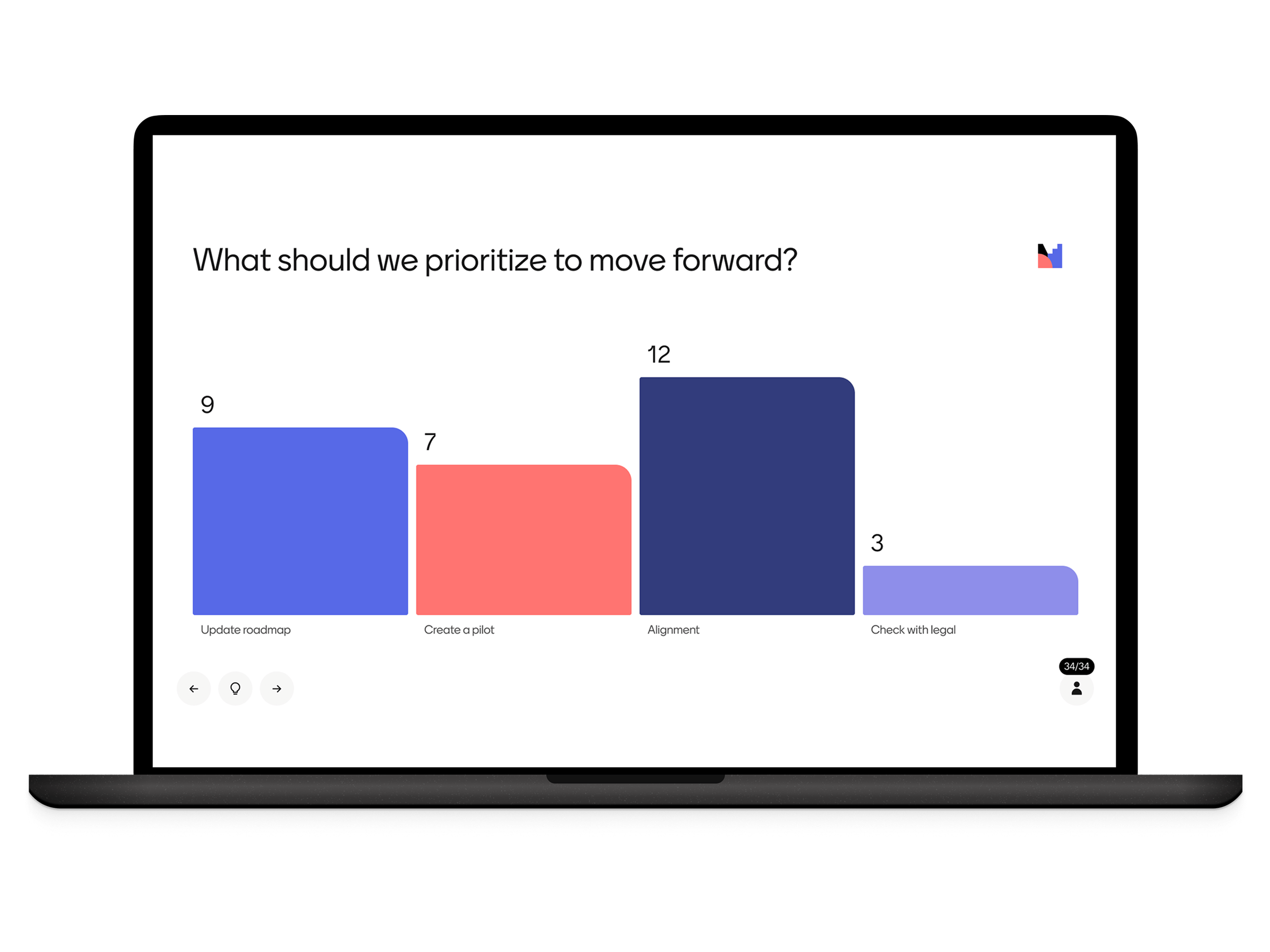
Turn passive audiences into active participants. With live polls, you can collect instant feedback and make your presentations truly interactive and memorable.
Create a poll now, it's free!
Live poll hero

Create polls people can answer instantly

Live polling helps you check understanding, make decisions, and engage everyone in the room.

How to create a poll

Creating a poll with Mentimeter takes under two minutes. Choose your poll type, share a link or code with your audience, and watch results come in live.
  1. Home
  2. —All features

Poll maker for live, interactive sessions

Turn passive audiences into active participants. With live polls, you can collect instant feedback and make your presentations truly interactive and memorable.
Create a poll now, it's free!
Live poll hero

Create polls people can answer instantly

Live polling helps you check understanding, make decisions, and engage everyone in the room.

How to create a poll

Creating a poll with Mentimeter takes under two minutes. Choose your poll type, share a link or code with your audience, and watch results come in live.

1. Ask a question

Choose from Multiple Choice, Scales, or Open Ended.

2. Share the link

Attendees can join with a simple code on their phones.

3. See results live

Responses appear instantly, ready to discuss.

Start creating today

Presentation templates for meetings, classrooms, and events

Save time and get inspired with ready-to-use templates created from real-world workshops, classrooms, and team sessions.
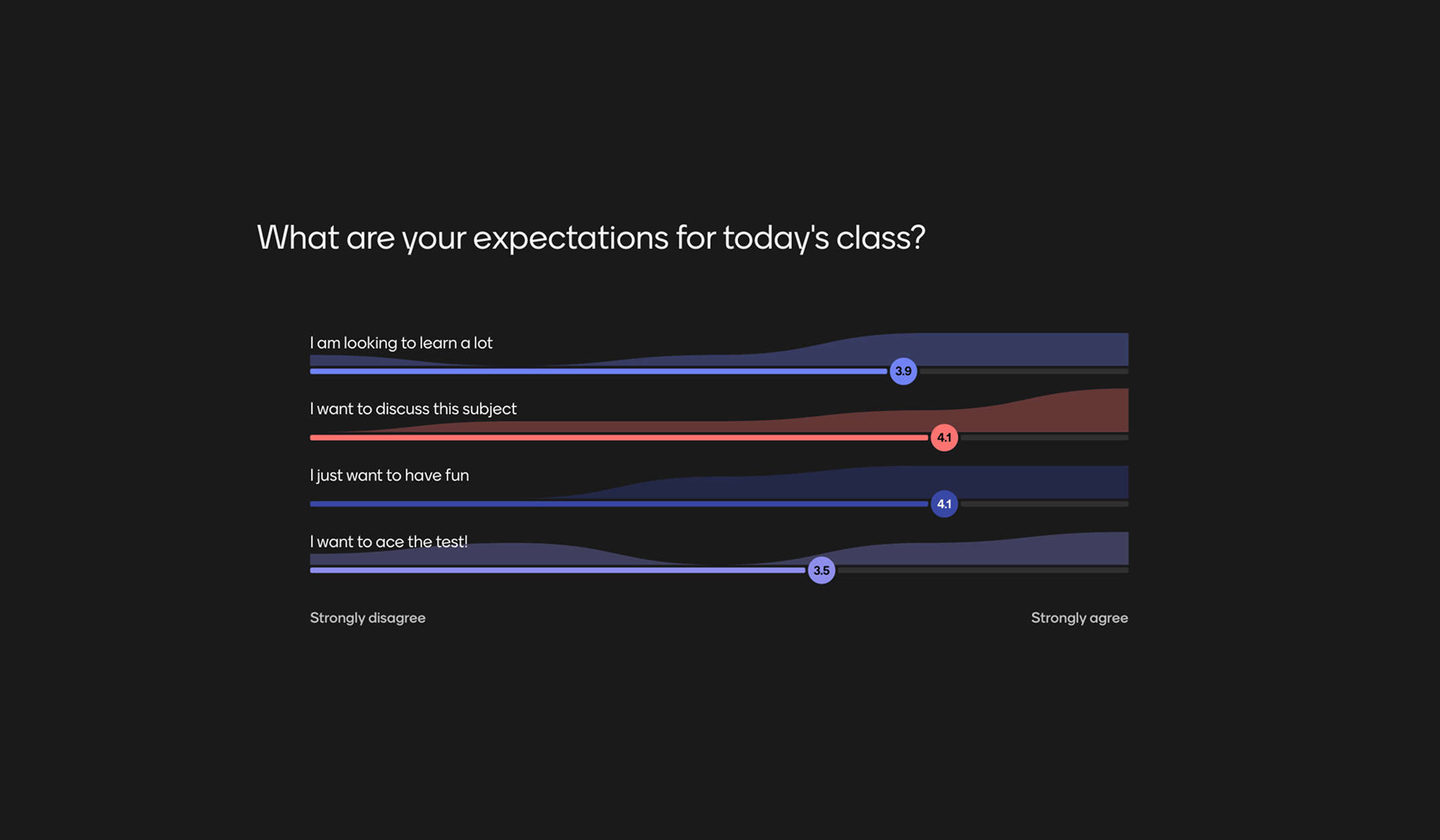
Manage Students' ExpectationsStart off class in the best way by seeing what the students expect and what they already know about the subject.
Preview template
Manage Students' Expectations featured content
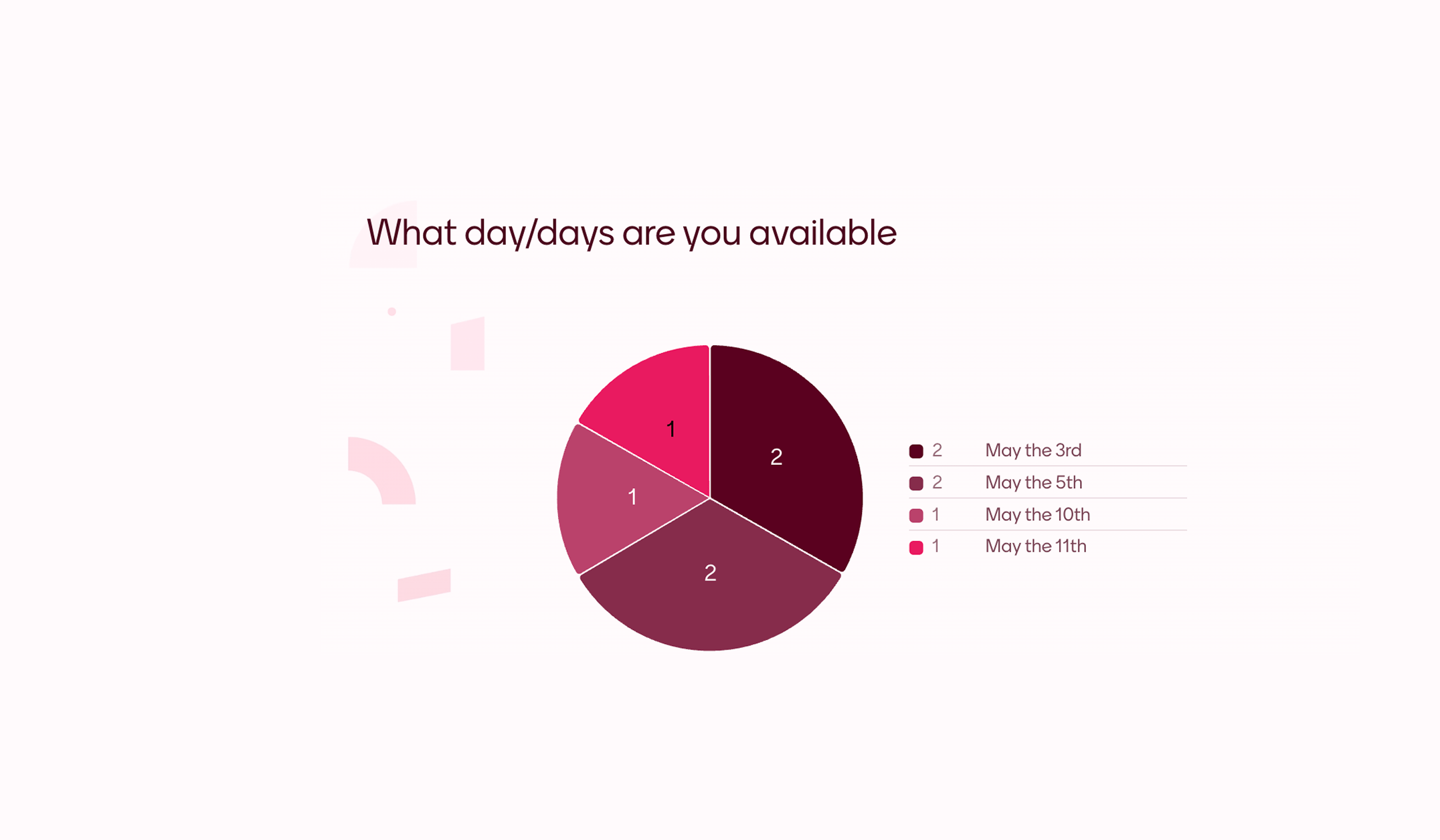
Scheduling PollFind a day when everybody is available quick and easy with this poll. Adapt this template to make it suit your event and let your friends or colleagues vote for what day works best.
Preview template
Scheduling Poll featured content
New Semester PollA new semester is upon us and class is back in session. Gather your students together and see what they thought of last semester and what they are looking forward to.
Preview template
New Semester Poll featured content
Gather Feedback on ExamsSee if your students prefer in-person testing, asynchronous exams, or if they happen to enjoy writing essays more than giving presentations.
Preview template
Gather Feedback on Exams featured content
Previous
Next

More ways to engage your audience

With everything from live polls and Q&As to AI-powered presentations, Mentimeter fits right into any meeting, class, or workshop.

Interactive presentation

Turn your presentations into conversations and keep your audience engaged.

Create Interactive presentation

AI Menti Creator

Say goodbye to blank slides, create interactive presentations in seconds.

Create with AI Menti Creator

Live Poll

Turn passive audiences into active participants with Live Polling

Create Live Poll

Quiz

Turn your sessions into interactive competitions.

Create a Quiz

Survey

Capture structured feedback on the spot.

Create a Survey

Live Word Cloud

Turn scattered thoughts into a shared visual.

Create a Word Cloud

Live Polling FAQ's

Curiosity happens. We’ve answered our most frequently asked questions in one place.

Live polling is when you ask an audience a question and they respond from their own devices in real time, with the collective result appearing on a shared screen as votes come in. Unlike a static survey you complete alone, a live poll lets a group answer together — everyone votes at the same time, and the on-screen result becomes a focal point for discussion. Mentimeter's live poll maker is used for meetings, classrooms, training sessions, and live events.

Live polls do three things a typical meeting struggles with: they get input from everyone (not just the loudest voice), they surface honest opinions through anonymity, and they give the room something visual to discuss. Use them to check understanding, prioritise options, or break the pattern of one-person-talking-while-others-listen. A 30-second poll often changes the rest of the meeting.

Yes. Mentimeter polls work the same way whether your audience is in the room with you, joining a video call, or a mix of both. Participants join from any device using a code or link — no app to download, no account to create. The presenter sees results updating live regardless of where each participant is.

No. Participants join your poll with a six-digit code on their phone, tablet, or laptop — no Mentimeter account required, no app download, no sign-up step. They simply enter the code, answer the question, and see the result on screen. The only person who needs an account is the presenter creating the poll.

Yes. Mentimeter saves your poll results automatically, so you can review responses after the session ends, share them with attendees, or export them for further analysis. Results stay attached to your presentation in your Mentimeter account.

Most poll makers are built for asynchronous polls where you create a poll, share a link, and people answer over time on their own. Mentimeter is built for live polls that groups answer together: participants join from their devices using a code, vote in real time, and watch the result form on a shared screen as the poll runs. Other poll makers collect votes over hours or days; Mentimeter captures them in the moment.

from Participation to progress

Groups that talk, learn, and grow. Mentimeter helps you hear every voice, so you can help ideas move forward.
Start free today

1. Ask a question

Choose from Multiple Choice, Scales, or Open Ended.

2. Share the link

Attendees can join with a simple code on their phones.

3. See results live

Responses appear instantly, ready to discuss.

Start creating today

Presentation templates for meetings, classrooms, and events

Save time and get inspired with ready-to-use templates created from real-world workshops, classrooms, and team sessions.
Manage Students' ExpectationsStart off class in the best way by seeing what the students expect and what they already know about the subject.
Preview template
Manage Students' Expectations featured content
Scheduling PollFind a day when everybody is available quick and easy with this poll. Adapt this template to make it suit your event and let your friends or colleagues vote for what day works best.
Preview template
Scheduling Poll featured content
New Semester PollA new semester is upon us and class is back in session. Gather your students together and see what they thought of last semester and what they are looking forward to.
Preview template
New Semester Poll featured content
Gather Feedback on ExamsSee if your students prefer in-person testing, asynchronous exams, or if they happen to enjoy writing essays more than giving presentations.
Preview template
Gather Feedback on Exams featured content
Previous
Next

More ways to engage your audience

With everything from live polls and Q&As to AI-powered presentations, Mentimeter fits right into any meeting, class, or workshop.

Interactive presentation

Turn your presentations into conversations and keep your audience engaged.

Create Interactive presentation

AI Menti Creator

Say goodbye to blank slides, create interactive presentations in seconds.

Create with AI Menti Creator

Live Poll

Turn passive audiences into active participants with Live Polling

Create Live Poll

Quiz

Turn your sessions into interactive competitions.

Create a Quiz

Survey

Capture structured feedback on the spot.

Create a Survey

Live Word Cloud

Turn scattered thoughts into a shared visual.

Create a Word Cloud

Live Polling FAQ's

Curiosity happens. We’ve answered our most frequently asked questions in one place.

Live polling is when you ask an audience a question and they respond from their own devices in real time, with the collective result appearing on a shared screen as votes come in. Unlike a static survey you complete alone, a live poll lets a group answer together — everyone votes at the same time, and the on-screen result becomes a focal point for discussion. Mentimeter's live poll maker is used for meetings, classrooms, training sessions, and live events.

Live polls do three things a typical meeting struggles with: they get input from everyone (not just the loudest voice), they surface honest opinions through anonymity, and they give the room something visual to discuss. Use them to check understanding, prioritise options, or break the pattern of one-person-talking-while-others-listen. A 30-second poll often changes the rest of the meeting.

Yes. Mentimeter polls work the same way whether your audience is in the room with you, joining a video call, or a mix of both. Participants join from any device using a code or link — no app to download, no account to create. The presenter sees results updating live regardless of where each participant is.

No. Participants join your poll with a six-digit code on their phone, tablet, or laptop — no Mentimeter account required, no app download, no sign-up step. They simply enter the code, answer the question, and see the result on screen. The only person who needs an account is the presenter creating the poll.

Yes. Mentimeter saves your poll results automatically, so you can review responses after the session ends, share them with attendees, or export them for further analysis. Results stay attached to your presentation in your Mentimeter account.

Most poll makers are built for asynchronous polls where you create a poll, share a link, and people answer over time on their own. Mentimeter is built for live polls that groups answer together: participants join from their devices using a code, vote in real time, and watch the result form on a shared screen as the poll runs. Other poll makers collect votes over hours or days; Mentimeter captures them in the moment.

from Participation to progress

Groups that talk, learn, and grow. Mentimeter helps you hear every voice, so you can help ideas move forward.
Start free today

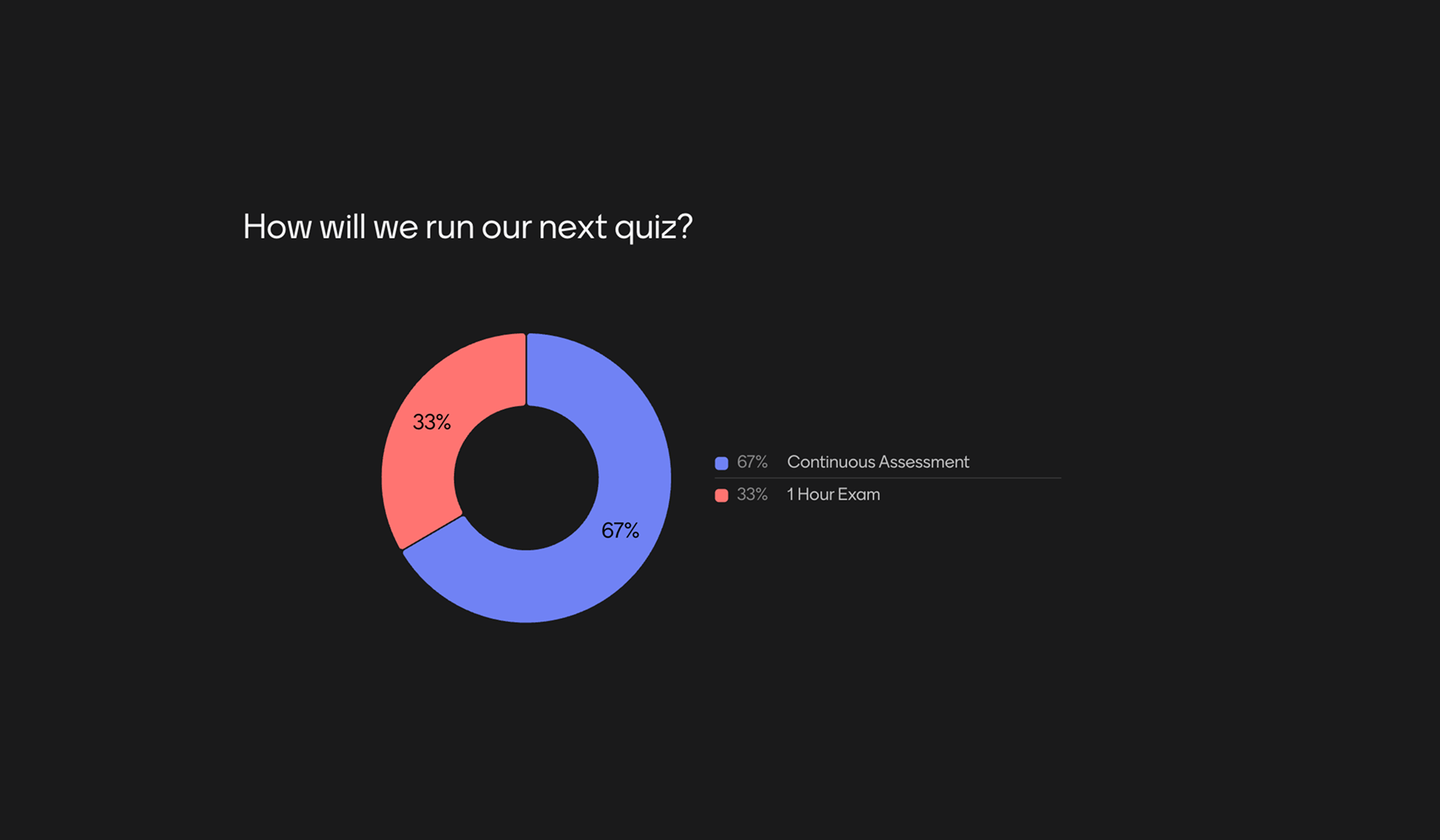
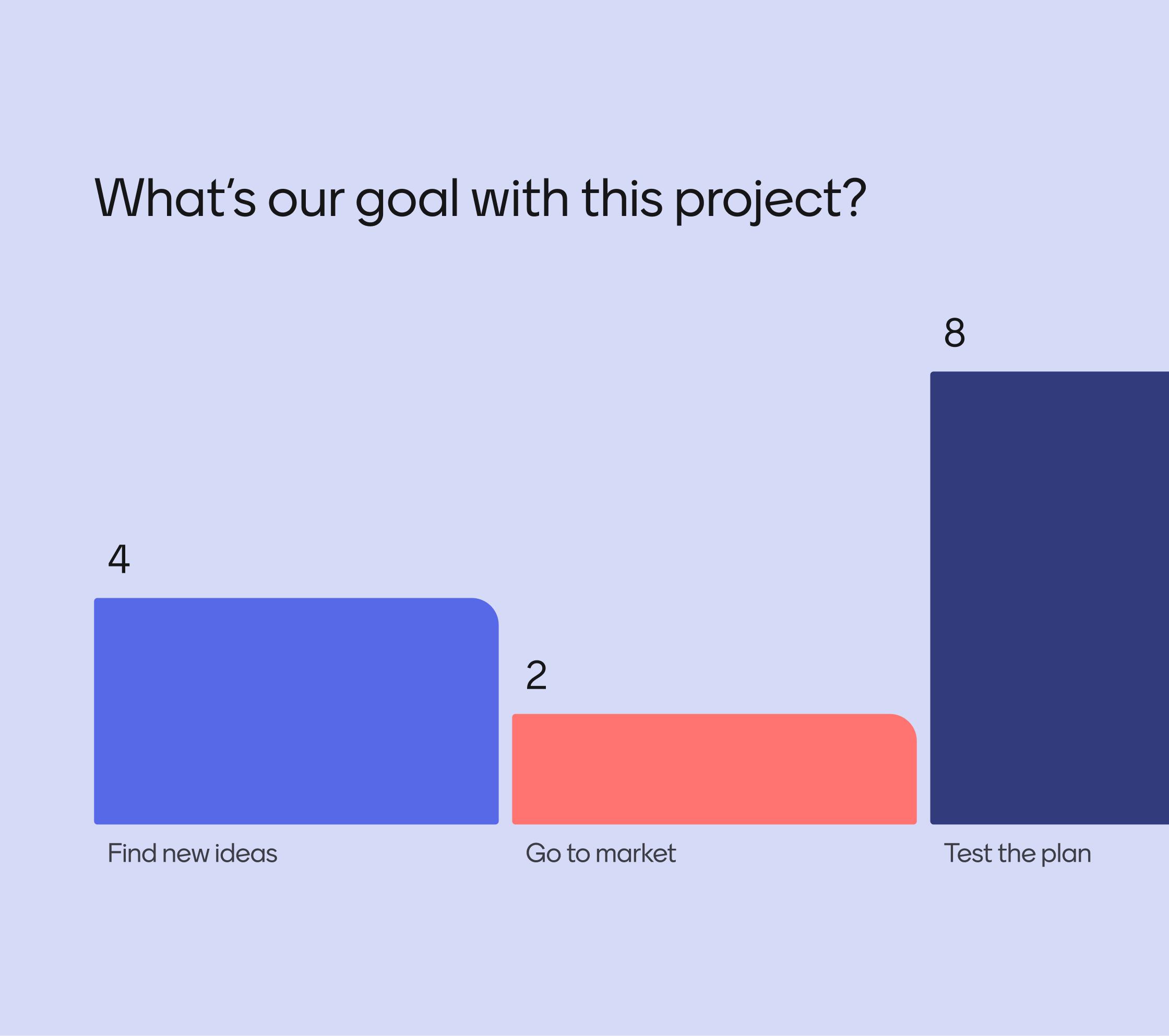
Real-time results

As votes come in, results appear instantly, keeping energy high and conversations flowing.
Real-time results

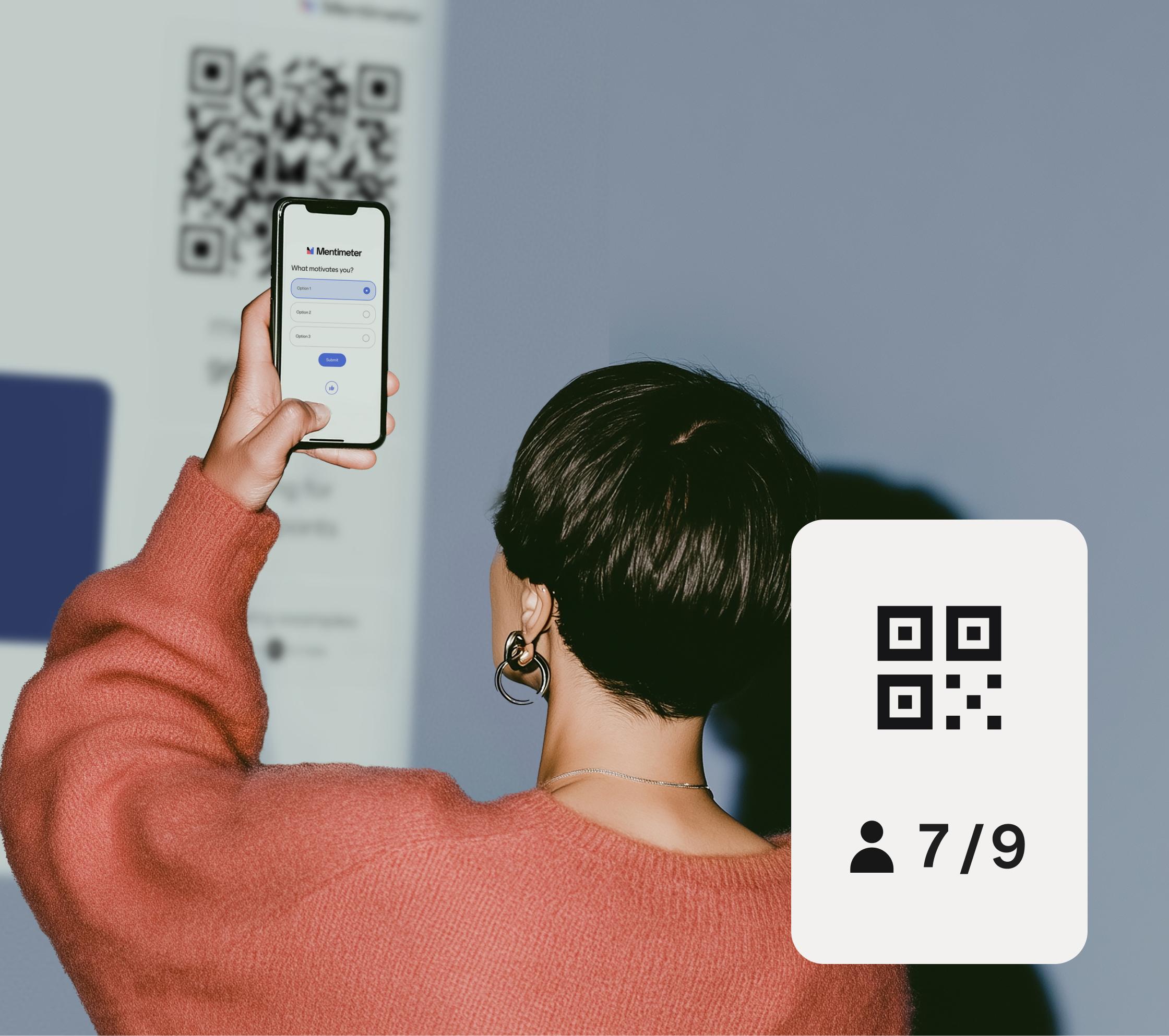
Any device, anywhere

Participants can vote on their phone, tablet, or laptop — no installs, no fuss.
Any device, anywhere

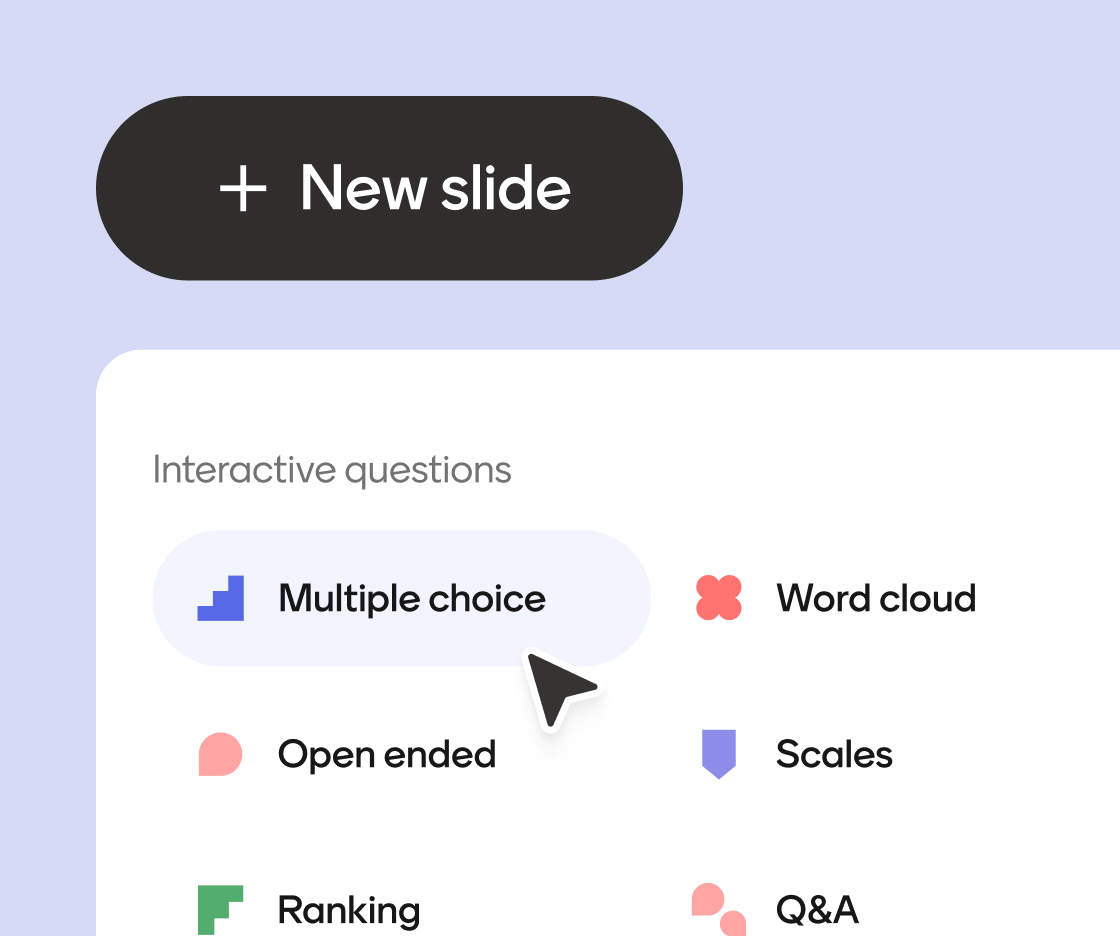
Choose the right poll format

Multiple choice, word clouds, scales, ranking and more. Each one built for a different kind of question.
Live Polling Zig Zag 3

Real-time results

As votes come in, results appear instantly, keeping energy high and conversations flowing.
Real-time results

Any device, anywhere

Participants can vote on their phone, tablet, or laptop — no installs, no fuss.
Any device, anywhere

Choose the right poll format

Multiple choice, word clouds, scales, ranking and more. Each one built for a different kind of question.
Live Polling Zig Zag 3