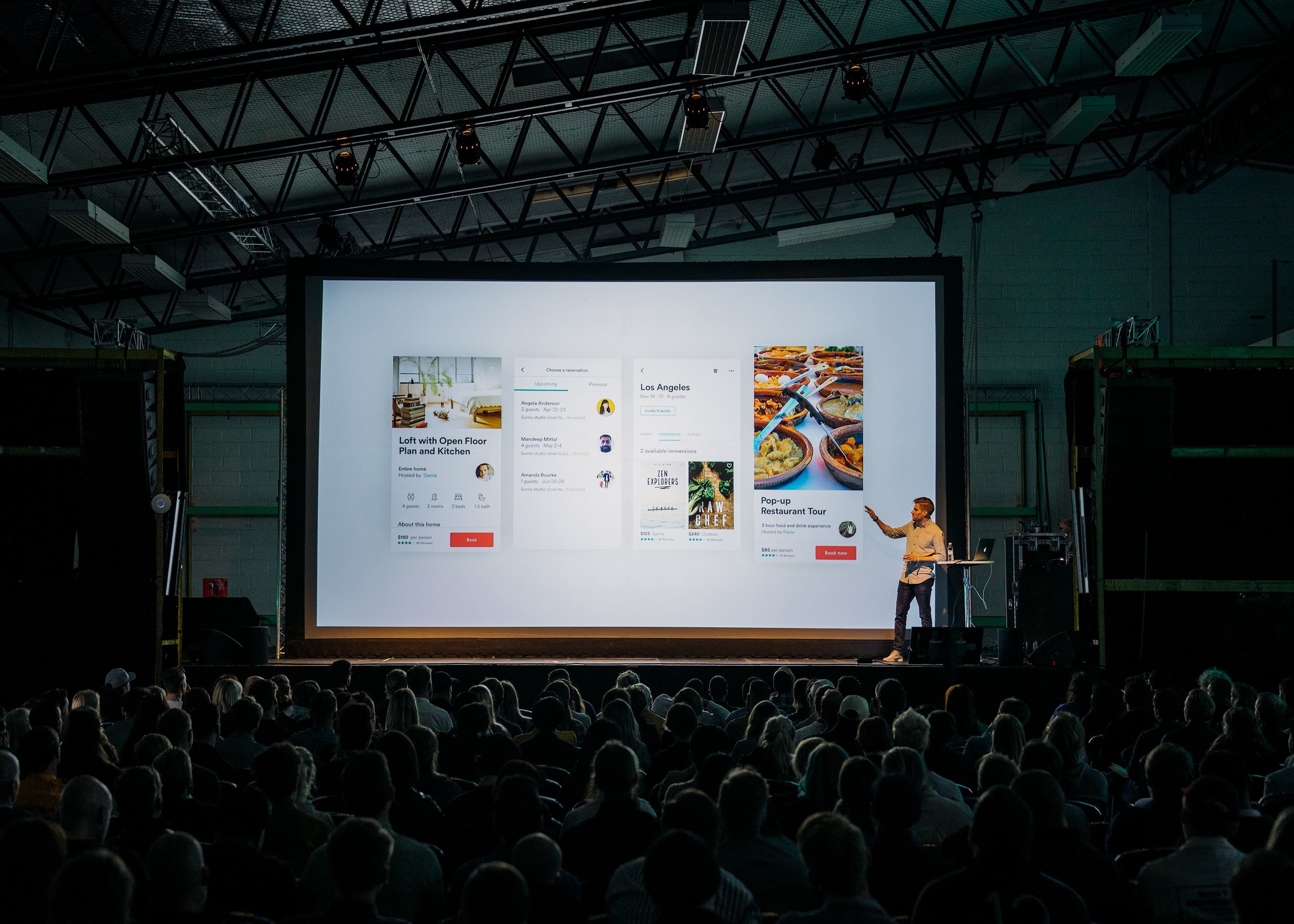

Keeping an audience's attention is one of the biggest challenges any speaker faces. And it’s one we’re sure everyone can recognize as the speaker, but also as an audience member: sitting in a mundane meeting, watching a sea of identically dull slides, and feeling that wave of lethargy sweep over us. When participants start scrolling through their phones or daydreaming, the message is lost.
As a presenter, staring out at a sea of disengaged faces only makes you more nervous. But there’s a better way to get your message across. At Mentimeter, we believe in turning presentations into conversations.
Engaging your crowd, whether it’s a room of five or five hundred, is the best way to keep them focused, interested, and ready to act. Here is our definitive list of interactive presentation ideas to help you lead with curiosity and impact.
Table of Contents
- What is an interactive presentation?
How to make a presentation interactive
- 1. Break the ice from the start
- 2. Use Live Polls to spark debate
- 3. Host a real-time Q&A session
- 4. Gamify with a Quiz competition
- 5. Integrate with your existing tools
- 6. Use non-linear navigation
- 7. Incorporate QR codes for instant access
- 8. Use GIFs and short video clips
- 9. Let the audience "React" in real-time
- 10. Tell personal stories
- 11. Use "Show of Hands" for quick pulses
- 12. Master your body language
- 13. Maintain purposeful eye contact
- 14. Keep it simple (and clear)
- 15. Share the spotlight
- Turn your presentations into conversations
What is an interactive presentation?
An interactive presentation is an engaging, two-way dialogue. It’s a format where the audience has the chance to take part, voice their opinions, and contribute to the flow of the session. Instead of a long monologue accompanied by static slides, interactive presentations create a back-and-forth feel that keeps everyone in the room (or on the Zoom call) active.
How to make a presentation interactive
So you want to make your presentation more engaging and interesting? Try one (or a few) of our 15 tips and tricks for your next meeting. You can also generate an interactive AI presentation with Mentimeter.
1. Break the ice from the start
Based on our 2023 State of Meetings report, almost half of participants agree that a meeting is likely to fail if people aren’t engaged from the get-go. Using icebreakers for meetings and presentations turns listeners into active participants immediately. They also help you, the presenter, relax before diving into your core message.
Pro tip: Use a Mentimeter Word Cloud for your icebreaker. Ask a low-stakes question like "How are you feeling in one word?" to warm up the room a bit and watch the collective mood of the room appear on screen in real-time. Or how about discovering people's deepest fears?
2. Use Live Polls to spark debate
If you want to get your audience thinking, live polling is the definitive method. Instead of telling the audience what the "consensus" is, ask them. Visualizing the results instantly allows you to talk through the data, address outliers, and see where opinions differ. This transforms a static lecture or conference into a collaborative discovery.
Pro tip: Want to run a live poll at your next event? Check out our virtual event software and keep the crowd energized.
3. Host a real-time Q&A session
Traditionally, Q&A happens at the very end when half the audience has already checked out. Flip the script and try something new by allowing the audience to submit questions throughout the presentation.
Pro tip: Using a live Q&A tool like Mentimeter allows people to ask questions anonymously. This is an important part of creating psychological safety and encouraging truthful responses; people are often hesitant to raise their hands in a crowded room, but they will gladly type a question into their phone.
4. Gamify with a quiz competition
A quiz is perhaps the most effective way to reinforce learning while injecting energy into the room. Whether it’s a quick knowledge check halfway through or a trivia game to wrap up, a leaderboard creates friendly competition that naturally perks the audience up. This can work with team meetings
Pro tip: Want to create a quiz but short on time? Try our AI quiz generator.
5. Integrate with your existing tools
While many people look for PowerPoint alternatives, you don't have to abandon your favorite slide deck to be interactive. The most effective "hack" for a modern presentation is using a Mentimeter integration. You can embed live polls, scales, and Q&A slides directly into your PowerPoint or Microsoft Teams. This keeps your workflow seamless while giving your audience a premium, tech-forward experience.
6. Use non-linear navigation
Don't feel tethered to slide 1, 2, and 3. Interactive presentations often benefit from a non-linear flow to keep the energy up. Ask the audience which topic they want to cover first, or create a flow that moves between slides more freely. This "choose your own adventure" style gives the audience control and helps ensure you’re providing the value they actually want.
7. Use QR codes for instant access
Friction is the enemy of engagement. Don't make your audience type in long URLs. Display a QR code on your first slide so participants can join your interactive session in seconds. It’s a simple, clever way to get everyone "in" the conversation before you’ve even finished your intro.
8. Use GIFs and short video clips
Sometimes a video says more than words ever could. If you see your audience starting to get restless, a well-placed GIF or a 30-second video clip can instantly revive interest. Visuals can help draw attention back to the screen and provide a necessary mental break from processing text.
9. Let the audience "react" in real-time
Give your audience the power to send "hearts," "thumbs up," or "question marks" that float across the screen as you speak. It provides you with immediate feedback on which points are resonating most, and helps you gauge where your audience is at with the material you’re sharing.
10. Tell personal stories
Data helps inform, but stories help you connect. Sharing personal experiences or behind-the-scenes anecdotes makes you more relatable.
11. Use "Show of Hands" for quick pulses
Digital tools are powerful, but don't forget the classics. A simple "raise your hand if..." question can be a great way to break up a digital-heavy session and bring some movement to the room.
12. Master your body language
Your presence plays a big role in how your message (and you) will be perceived by your audience. Avoid hiding behind a podium during the entire presentation. Move around the stage or the room, and try using open gestures that reach out to the audience. That way, you can make the environment feel more inclusive and less like a formal lecture.
13. Maintain purposeful eye contact
The power of eye contact can’t be underestimated. Try to connect with each section of the room. Establishing eye contact makes the presentation feel like a direct conversation with each individual, instead of a broadcast to a faceless crowd.
14. Keep it simple (and clear)
A common mistake is overcomplicating things, or using big language that makes your message hard to understand. Keep your slides clean, well-crafted and appealing. Using AI tools for presentations can help you draft clear content quickly, ensuring your message remains the focus. If a slide is too busy, the audience will most likely spend their time reading it instead of listening to you. Use your slides to anchor the conversation, not to replace it.
Pro tip: Build any of your presentations using our AI Menti Builder.
15. Share the spotlight
If you’re presenting a long session, invite a guest speaker or a member of the audience to share a perspective. Switching up the voice and presentation style re-engages the brain and provides a fresh lens on the topic.
Turn your presentations into conversations
There are plenty of tools available, but traditional slide makers tend to lack an engaging, interactive element. Using a dedicated interactive presentation maker is the best way to bridge the gap between presenter and participant.
At Mentimeter, our tools are designed to help you lead with curiosity. By involving your audience in the process, you build a shared understanding and deliver a more impactful message.
Make your presentations interactive
Learn about Mentimeter's featuresFrequently asked questions (FAQs)
How do I make a presentation interesting?
To make a presentation interesting, try blending compelling storytelling with dynamic visual elements that support your message. Integrating live interaction points and using engaging tools ensures the audience remains active participants rather than passive observers.
What's the best way to start an interactive presentation?
A great and effective start to making a presentation interactive is an immediate icebreaker that invites the audience to contribute their thoughts or feelings. This helps set a collaborative tone and signals to the attendees that their input is valued.
Can I add interactive elements to my existing slides?
Yes, you can easily add interactive elements to platforms like PowerPoint or other apps in Microsoft Teams for example. Using our integrations, you can maintain your current workflow while gaining access to live polls, word clouds, quizzes and real-time feedback tools.
What is the 777 rule for presentations?
The 777 rule for presentation suggests limiting each slide to a maximum of 7 lines of text, with no more than 7 words per line, and using a font size no smaller than 7 points. This is in order to keep the slides aesthetically pleasing, engaging and interesting for your audience.
Create your first Menti for free
Get started
![What is brainstorming? How to plan a brainstorm session [Updated for 2026]](/_next/image?url=%2Fassets%2Fen-US%2F95961c72-7a65-4385-95c8-16d64dcf0173-763x428.jpeg%3FassetRevision%3Dac6e67981180af95a81ad7a2b469e8c4083855ed2bef6b6978df96e0ec41f9f3&w=3840&q=75&dpl=dpl_Aub33EbFVZTunwcVLgBdX7HpzVrW)
![360+ general knowledge quiz questions for any occasion [2026]](/_next/image?url=%2Fassets%2Fen-US%2Fquiz-questions-hero.png%3FassetRevision%3Dac6e67981180af95a81ad7a2b469e8c4083855ed2bef6b6978df96e0ec41f9f3&w=3840&q=75&dpl=dpl_Aub33EbFVZTunwcVLgBdX7HpzVrW)