Classroom management: 7 tips and tricks for teaching with Mentimeter
Mentimeter is all about turning quiet classrooms into lively hubs of participation. We want every student to have a voice. While many teachers use our interactive presentation tool to check for understanding or spice up a long lecture, Mentimeter is also a secret weapon for classroom management. By mixing smart tech with solid teaching strategies, you can stay ahead of disruptions and build a space where everyone feels included.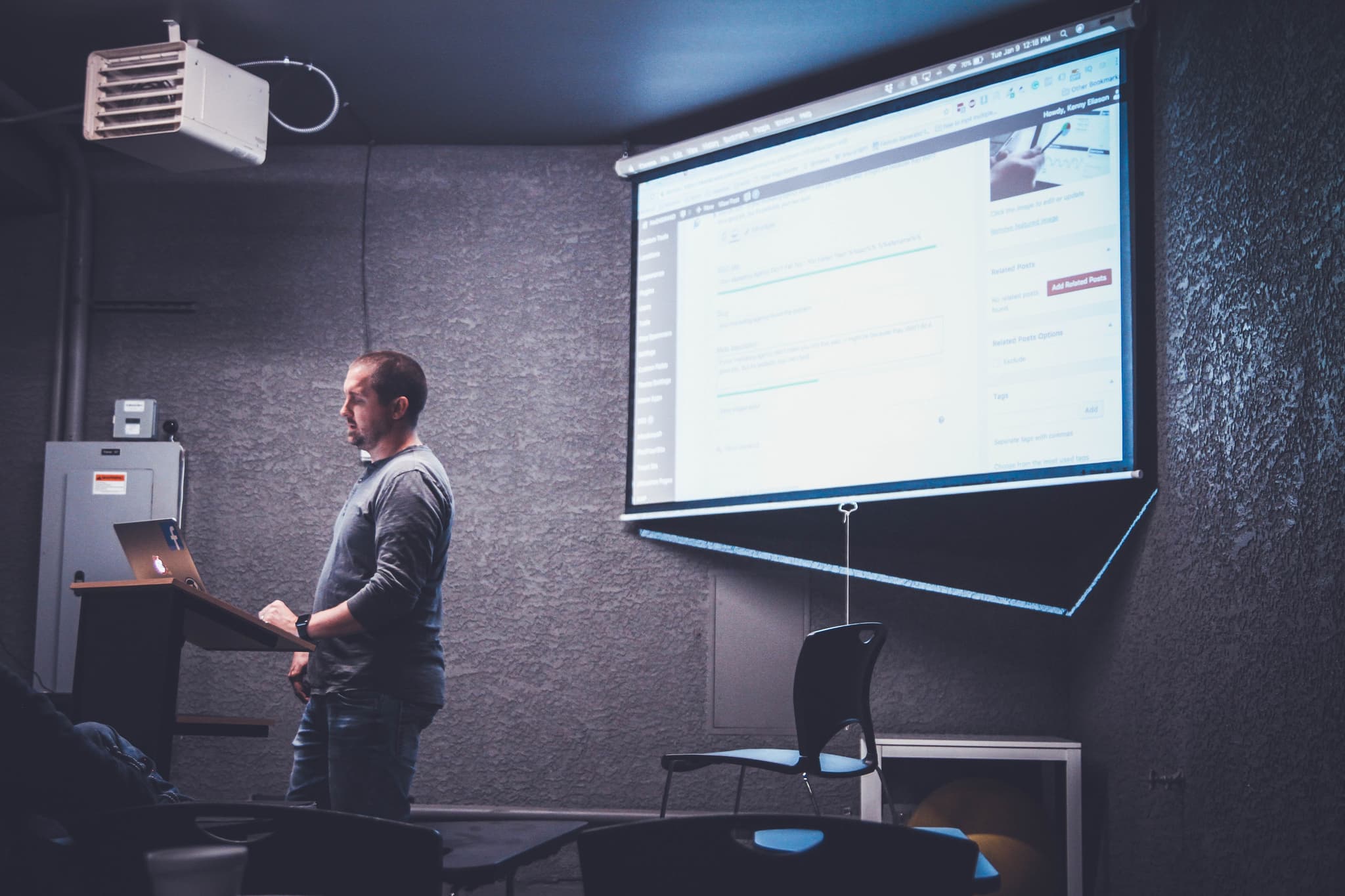
As a versatile piece of classroom management software, Mentimeter helps you bridge the gap between instruction and engagement. Good classroom management is the backbone of a great school day, but it’s often the toughest part of the job. The trick is to focus on engagement first. When students are genuinely involved, those pesky distractions tend to disappear on their own. This guide walks through how to use Mentimeter’s features to build a management plan that puts participation and respect front and center.
Table of Contents
- What is classroom management?
- Why is classroom management important for student engagement?
7 tips for managing your classroom with Mentimeter
- 1. Use the Profanity Filter to keep things focused
- 2. Use math symbols for clearer communication
- 3. Change the language to include everyone
- 4. Master keyboard shortcuts for a seamless flow
- 5. Run test votes to stay confident
- 6. Re-use and reset to track growth
- 7. Segment results without losing anonymity
- 3 classroom management games to play with Mentimeter
- Start managing your classroom with free templates from Mentimeter
- Frequently asked questions
What is classroom management?
At its heart, classroom management is the mix of skills and routines teachers use to keep things running smoothly. It’s about keeping students focused, organized, and productive. According to Edutopia, implementing research-based classroom management strategies is essential for creating an environment where students can thrive both academically and socially.
Different teachers often lean into various classroom management styles, ranging from authoritative to highly collaborative. Regardless of your personal approach, implementing consistent classroom management techniques (like setting clear digital boundaries and using interactive check-ins) ensures there is no room for distractions or misbehaving.
When management works, the class has a natural rhythm that helps students feel safe and ready to learn. Starting a lesson with a quick digital warm-up can settle a rowdy class instantly, signaling that it’s time to shift gears and get started with today’s tasks.
How do you develop non-verbal cues for classroom management?
Non-verbal cues help you to manage the room without interrupting the flow of your lesson. To develop these, try establishing consistent hand signals for common student needs, like asking for a bathroom break or indicating they need help with a task. Strategic eye contact and using proximity (moving toward a disruptive area while continuing to speak, for example) are also effective ways to redirect behavior silently and maintain a calm learning environment.
Why is classroom management important for student engagement?
When students understand how the classroom works, like how to join in, how to ask for help, and how to interact with their peers, they feel much more comfortable taking part. Management clears the path so that active learning can actually happen.
7 tips for managing your classroom with Mentimeter
1. Use the Profanity Filter to keep things focused
The Profanity Filter can be your best friend for maintaining a professional vibe. It automatically blocks inappropriate words and even certain emojis from appearing on the big screen. Instead, it will show a scramble of symbols and conceal the profanity. This means you can focus on the lesson rather than playing comment police in real-time.

- Turn on the filter for all available languages to keep your bases covered.
- If something sneaky does get through, you can quickly close voting or delete that specific entry from your word cloud.
- By removing the "audience" for silly or disruptive comments, you take away the incentive for students to act out.
Learn how to use the Profanity Filter in our guide.
2. Use math symbols for clearer communication
Confusion is often the root of disruption. If students can’t follow along, they’re more likely to tune out. Mentimeter lets you add fractions, Greek letters, and complex formulas directly to your slides, making STEM subjects just as interactive and clear as any other lesson.
- Equations show up perfectly on the main screen and on students' phones or laptops.
- This keeps the momentum going because you aren't stopping to explain what a symbol means.
- When things are easy to read, students stay engaged and on-task.
Learn how to use different types of math symbols in our guide.
3. Change the language to include everyone
A classroom where everyone feels they belong is a classroom that’s easier to manage. You can change the voting language and instructions on your slides to match your students' primary language or the specific language you’re teaching in class.
- This makes the "how-to" part of the lesson effortless.
- It lowers the stress for students who are still getting comfortable with English.
- When students feel confident using the tool, they’re more likely to participate positively.
Learn how to change the voting language in our guide.
4. Master keyboard shortcuts for a seamless flow
Timing is everything. A long pause while you hunt for a button is all the time a class needs to start chatting. Mentimeter’s keyboard shortcuts let you run your presentation like a pro without ever taking your eyes off the room.

- Hit “K” to see all your shortcut options.
- Press “I” to instantly pop up the QR code so latecomers can join without interrupting.
- Press “C” to hide results until everyone has had a chance to vote, keeping the suspense and focus high.
5. Run test votes to stay confident
A confident teacher sets the tone for the whole room. Use the “T” shortcut to run some test votes before your students walk in. This lets you see exactly how the data will look and ensures your instructions are easy to follow.

- Testing helps you spot any confusing parts of your slide before they become a problem.
- It ensures your tech is ready to go so you aren't fumbling in front of the class.
- When you’re calm and prepared, the students usually follow suit.
6. Re-use and reset to track growth
You don’t have to reinvent the wheel every day. You can reuse all of your Mentimeter presentations for different class periods or even throughout the year to see how much your students have learned. Just reset the results and you’re ready for a fresh start.
- Export your results as a PDF to keep a record of how the class is doing.
- If you’re on a paid plan, Excel exports are great for spotting trends in student understanding.
- Using consistent tools helps create a routine that students can rely on.
Learn how to re-set the results to re-use the presentation.
7. Segment results without losing autonomy
Anonymity makes students feel safe enough to be honest. However, you can still get great insights by segmenting results. This lets you see how different groups (like "Table 1" vs "Table 2") are thinking without calling out any one person.
- Segment by groups or categories to see who might need a little extra help.
- This allows you to pivot your teaching to the students who need it most.
- It’s a great way to handle interventions quietly and respectfully, avoiding the "call-out" culture that can lead to friction.
Learn how to segment your results.
3 classroom management games to play with Mentimeter
Injecting a bit of fun into your routine can prevent information overload and help keep students focused. Here are three games you can host using Mentimeter’s core features:
1. Interactive icebreakers: Use a Word Cloud to spark conversation and build a sense of community.
2. Live quizzes: Transform a standard review into a high-energy competition with quizzes.
3. Truth or lie: Use our AI Menti Builder to create a "Two Truths and a Lie" game to introduce new topics or get to know each other.
Start managing your classroom with free templates from Mentimeter
Don’t forget to check out all of our free and ready-to-use templates for your next class. Enable that Profanity Filter and you’re good to go. Get inspired and start creating your own interactive presentations to increase learning, master classroom management and make it fun!
Get to Know Your Teacher Quiz
Frequently asked questions
What is a classroom management plan?
A classroom management plan is your roadmap for how the class functions. It covers your expectations, daily routines, and how you’ll handle challenges. Having a plan helps students feel secure because they know exactly what to expect when they walk through your door.
How do you manage a classroom effectively?
The best management starts with building good relationships and being consistent. Use a mix of engaging tools, clear instructions, and positive reinforcement. Tools like Mentimeter help by giving every student a way to participate, which naturally keeps them focused on the lesson.
How do you handle classroom management and discipline?
Discipline is just one part of management. It’s usually most effective when you focus on "why" a student is acting out. Are they maybe bored, frustrated, or confused? By using engaging teaching strategies and staying calm, you can usually get things back on track without a major blow-up.
Você pode criar seu primeiro Menti gratuitamente
Iniciar

