• Pricing
  • Talk to sales

Features

  • Overview
  • AI presentation
  • AI quiz generator
  • Live polling
  • Word cloud
  • Quiz
  • Q&A
  • Survey
  • Presentations

Resources

  • Blog
  • How to
  • Work
  • Education
  • Templates
  • Academy
  • Webinars
  • Comparison
  • Stories
  • Integrations

Details

  • Legal
  • Policies
  • Accessibility
  • Help center
  • Requirements
  • AI at Mentimeter

About us

  • Press info
  • The team
  • Jobs
  • Culture
  • Benefits
  • Contact us
  • Climate
  • Investors

Choose your language

Connect with us!

  • Overview
  • AI presentation
  • AI quiz generator
  • Live polling
  • Word cloud
  • Quiz
  • Q&A
  • Survey
  • Presentations
  • Blog
  • How to
  • Work
  • Education
  • Templates
  • Academy
  • Webinars
  • Comparison
  • Stories
  • Integrations
  • Legal
  • Policies
  • Accessibility
  • Help center
  • Requirements
  • AI at Mentimeter
  • Press info
  • The team
  • Jobs
  • Culture
  • Benefits
  • Contact us
  • Climate
  • Investors

Choose your language

Connect with us!


(c) 2026 Mentimeter. All rights reserved.

PrivacyTerms and Conditions
Log in
Sign up
  1. Home
  2. —All features

Poll maker for live, interactive sessions

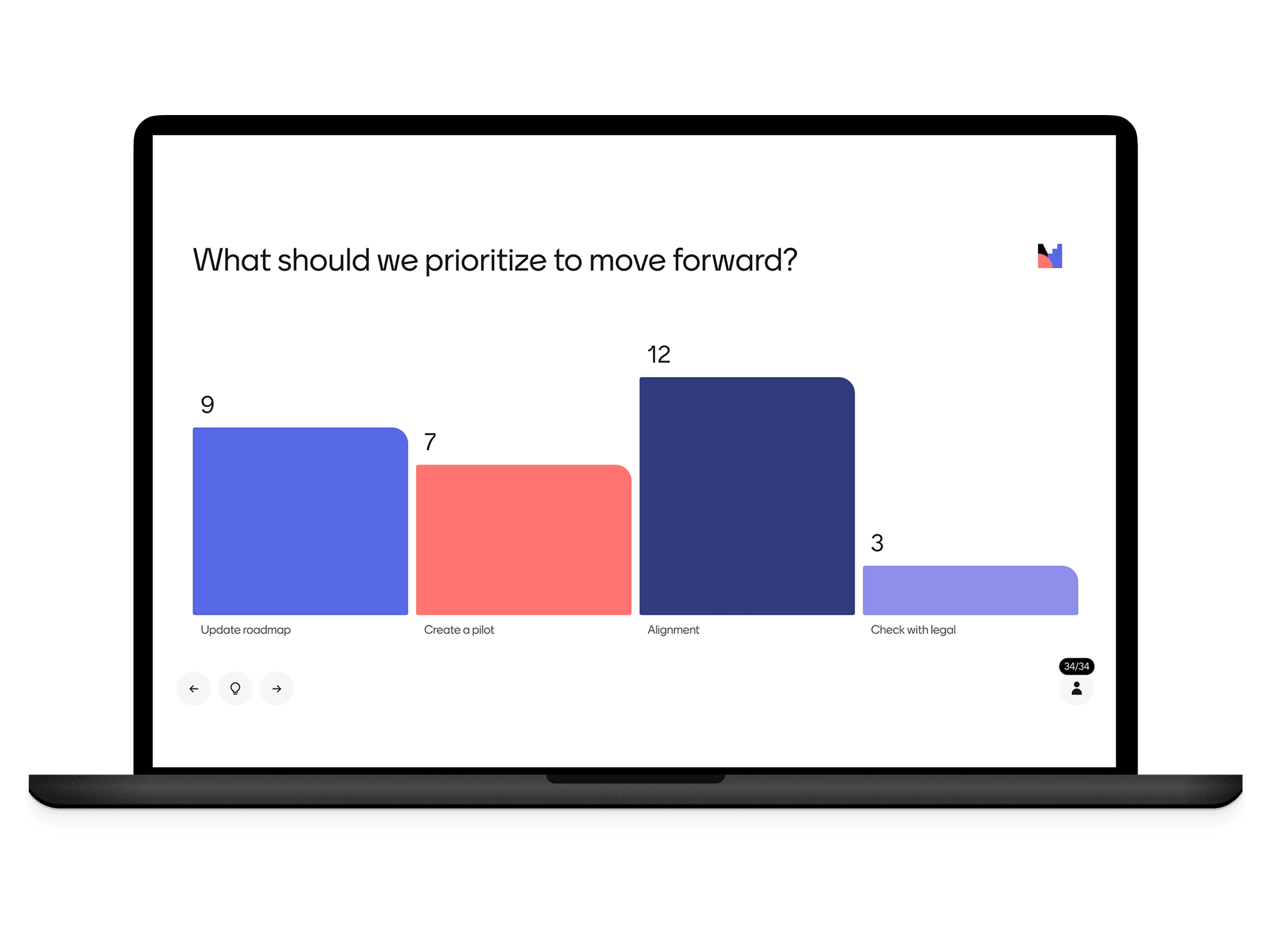
Turn passive audiences into active participants. With live polls, you can collect instant feedback and make your presentations truly interactive and memorable.
Create a poll now, it's free!
Live poll hero

Create polls people can answer instantly

Live polling helps you check understanding, make decisions, and engage everyone in the room.

How to create a poll

Creating a poll with Mentimeter takes under two minutes. Choose your poll type, share a link or code with your audience, and watch results come in live.
  1. Home
  2. —All features

Poll maker for live, interactive sessions

Turn passive audiences into active participants. With live polls, you can collect instant feedback and make your presentations truly interactive and memorable.
Create a poll now, it's free!
Live poll hero

Create polls people can answer instantly

Live polling helps you check understanding, make decisions, and engage everyone in the room.

How to create a poll

Creating a poll with Mentimeter takes under two minutes. Choose your poll type, share a link or code with your audience, and watch results come in live.

Presentation templates for meetings, classrooms, and events

Save time and get inspired with ready-to-use templates created from real-world workshops, classrooms, and team sessions.

More ways to engage your audience

With everything from live polls and Q&As to AI-powered presentations, Mentimeter fits right into any meeting, class, or workshop.

Live Polling FAQ's

Curiosity happens. We’ve answered our most frequently asked questions in one place.

Presentation templates for meetings, classrooms, and events

Save time and get inspired with ready-to-use templates created from real-world workshops, classrooms, and team sessions.

More ways to engage your audience

With everything from live polls and Q&As to AI-powered presentations, Mentimeter fits right into any meeting, class, or workshop.

Live Polling FAQ's

Curiosity happens. We’ve answered our most frequently asked questions in one place.

Real-time results

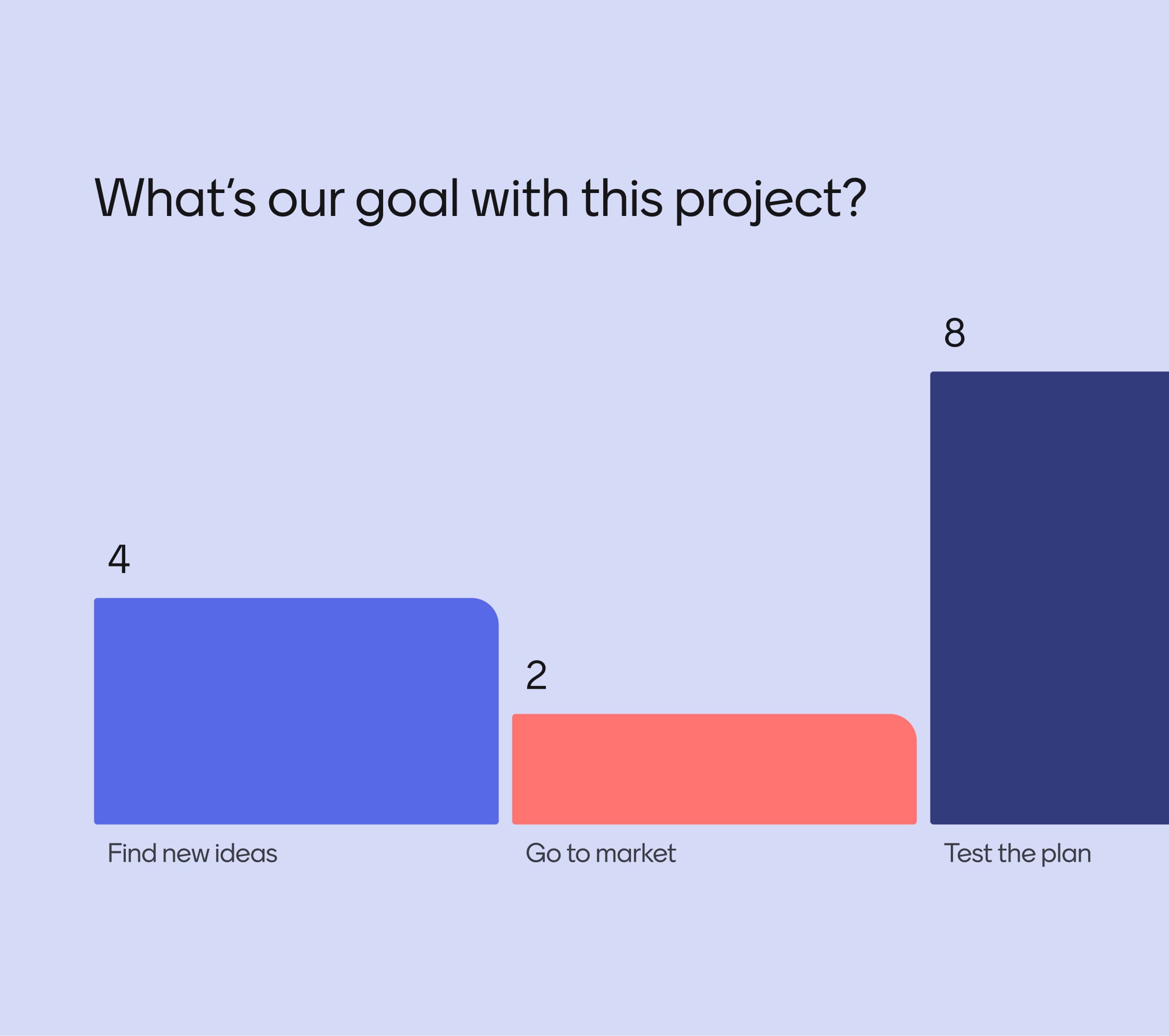
As votes come in, results appear instantly, keeping energy high and conversations flowing.
Real-time results

Any device, anywhere

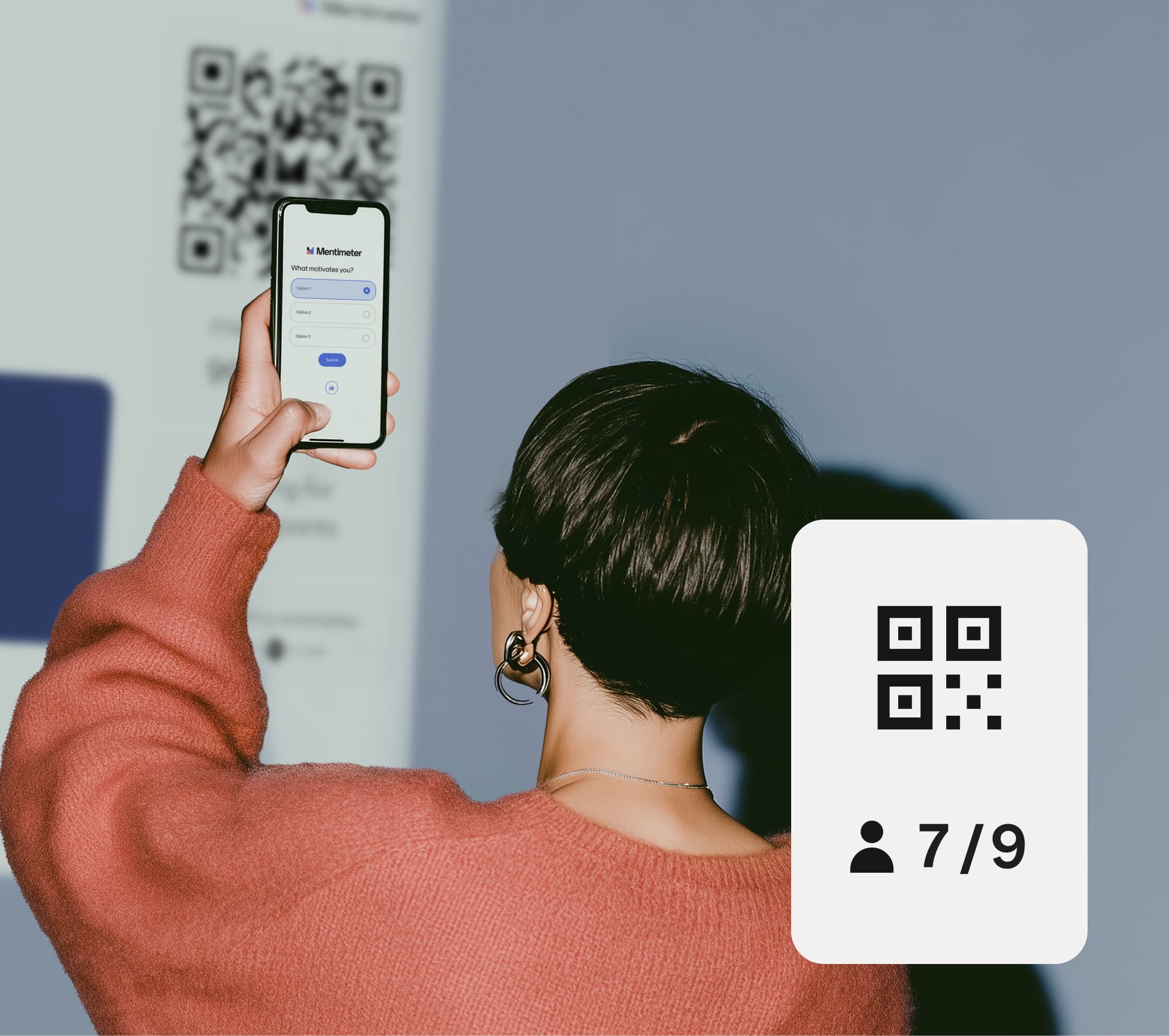
Participants can vote on their phone, tablet, or laptop — no installs, no fuss.
Any device, anywhere

Choose the right poll format

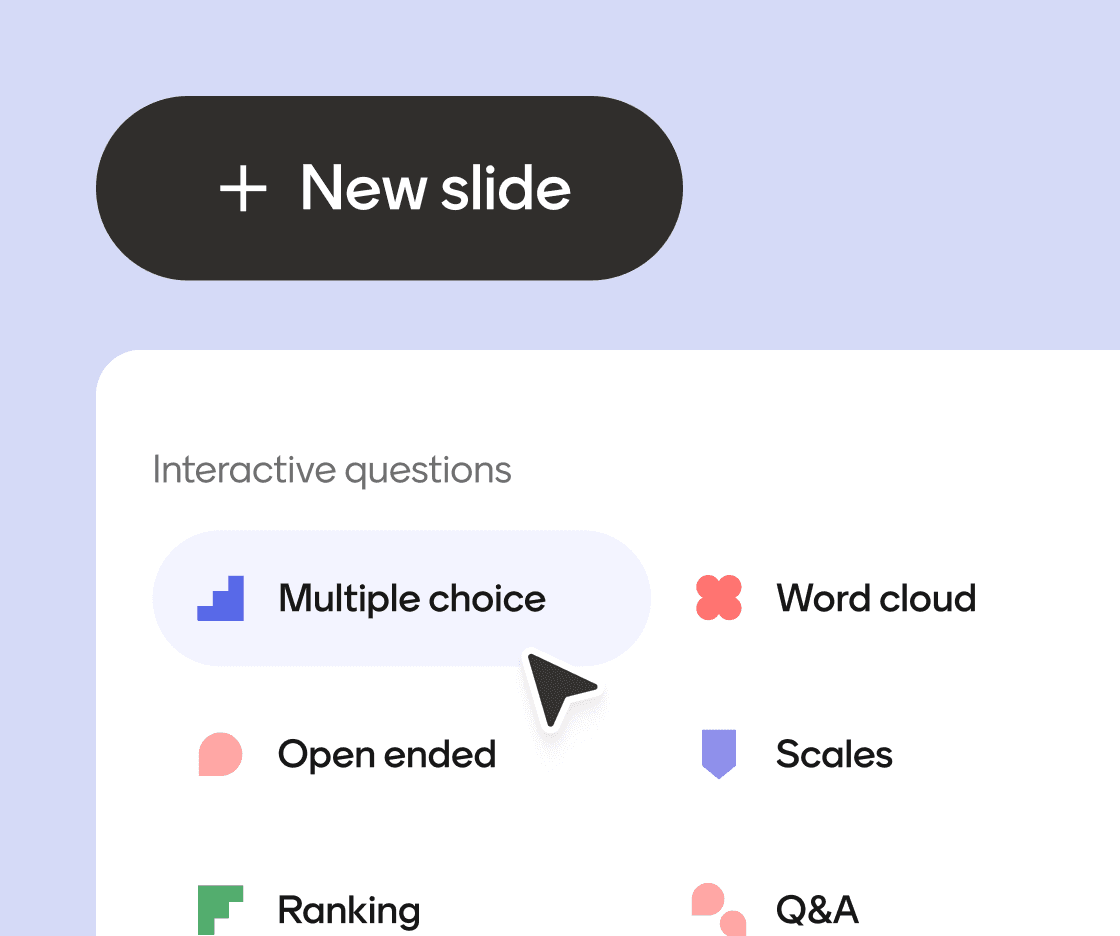
Multiple choice, word clouds, scales, ranking and more. Each one built for a different kind of question.
Live Polling Zig Zag 3

Real-time results

As votes come in, results appear instantly, keeping energy high and conversations flowing.
Real-time results

Any device, anywhere

Participants can vote on their phone, tablet, or laptop — no installs, no fuss.
Any device, anywhere

Choose the right poll format

Multiple choice, word clouds, scales, ranking and more. Each one built for a different kind of question.
Live Polling Zig Zag 3

1. Ask a question

Choose from Multiple Choice, Scales, or Open Ended.

2. Share the link

Attendees can join with a simple code on their phones.

3. See results live

Responses appear instantly, ready to discuss.

Start creating today

1. Ask a question

Choose from Multiple Choice, Scales, or Open Ended.

2. Share the link

Attendees can join with a simple code on their phones.

3. See results live

Responses appear instantly, ready to discuss.

Start creating today

Interactive presentation

Turn your presentations into conversations and keep your audience engaged.

Create Interactive presentation

AI Menti Creator

Say goodbye to blank slides, create interactive presentations in seconds.

Create with AI Menti Creator

Live Poll

Turn passive audiences into active participants with Live Polling

Create Live Poll

Quiz

Turn your sessions into interactive competitions.

Create a Quiz

Survey

Capture structured feedback on the spot.

Create a Survey

Live Word Cloud

Turn scattered thoughts into a shared visual.

Create a Word Cloud

Interactive presentation

Turn your presentations into conversations and keep your audience engaged.

Create Interactive presentation

AI Menti Creator

Say goodbye to blank slides, create interactive presentations in seconds.

Create with AI Menti Creator

Live Poll

Turn passive audiences into active participants with Live Polling

Create Live Poll

Quiz

Turn your sessions into interactive competitions.

Create a Quiz

Survey

Capture structured feedback on the spot.

Create a Survey

Live Word Cloud

Turn scattered thoughts into a shared visual.

Create a Word Cloud
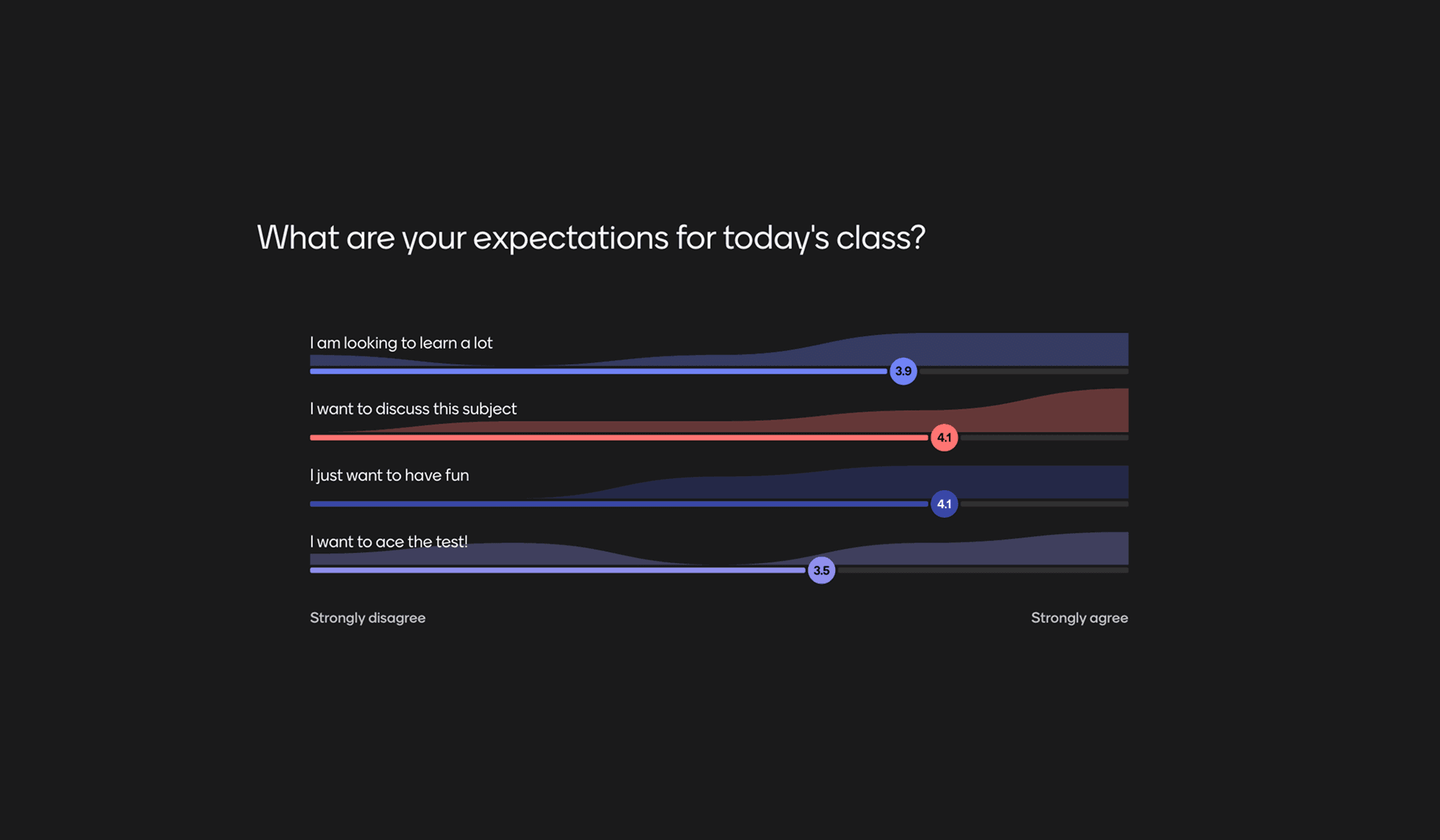
Manage Students' ExpectationsStart off class in the best way by seeing what the students expect and what they already know about the subject.
Preview template
Manage Students' Expectations featured content
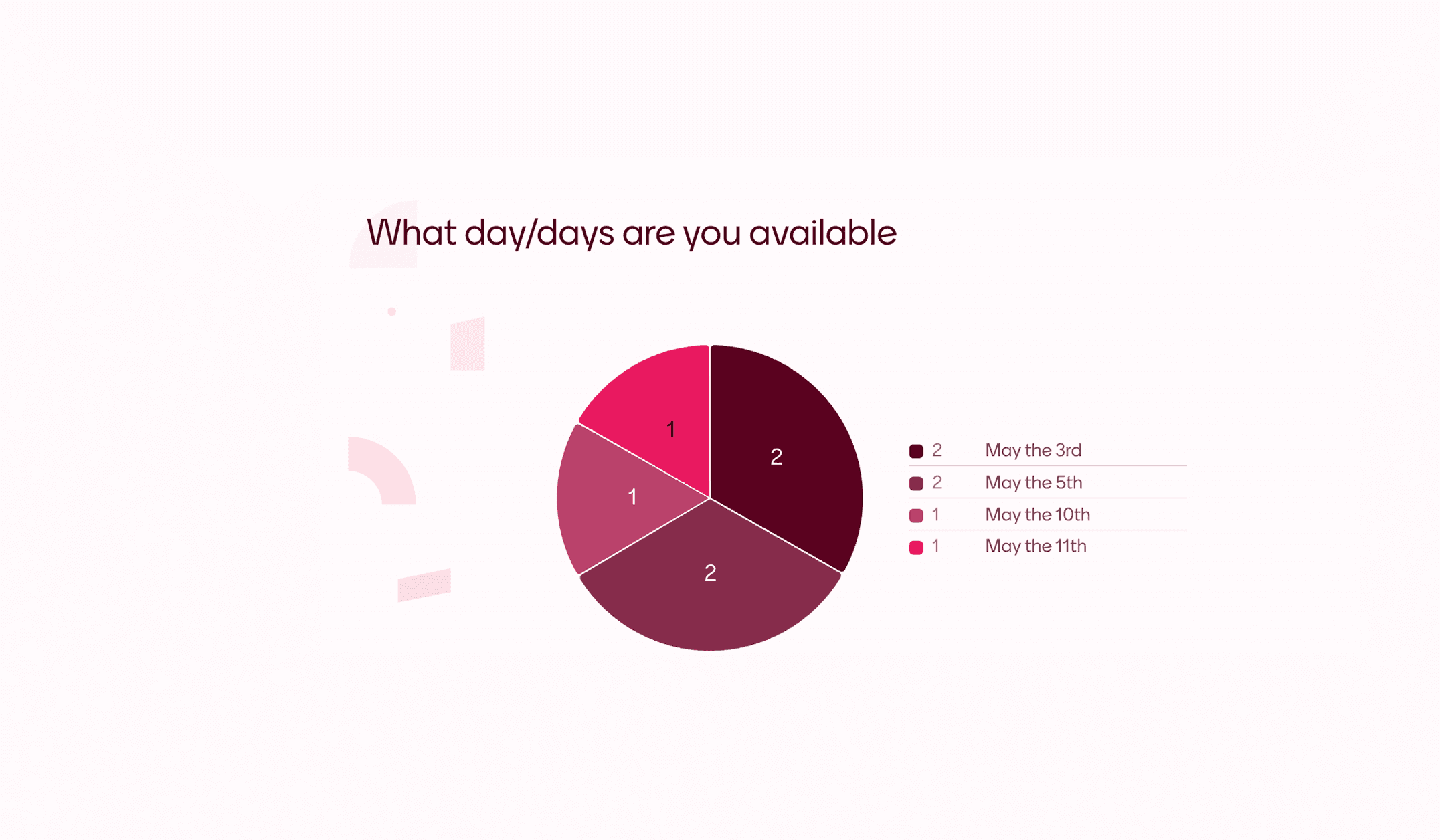
Scheduling PollFind a day when everybody is available quick and easy with this poll. Adapt this template to make it suit your event and let your friends or colleagues vote for what day works best.
Preview template
Scheduling Poll featured content
New Semester PollA new semester is upon us and class is back in session. Gather your students together and see what they thought of last semester and what they are looking forward to.
Preview template
New Semester Poll featured content
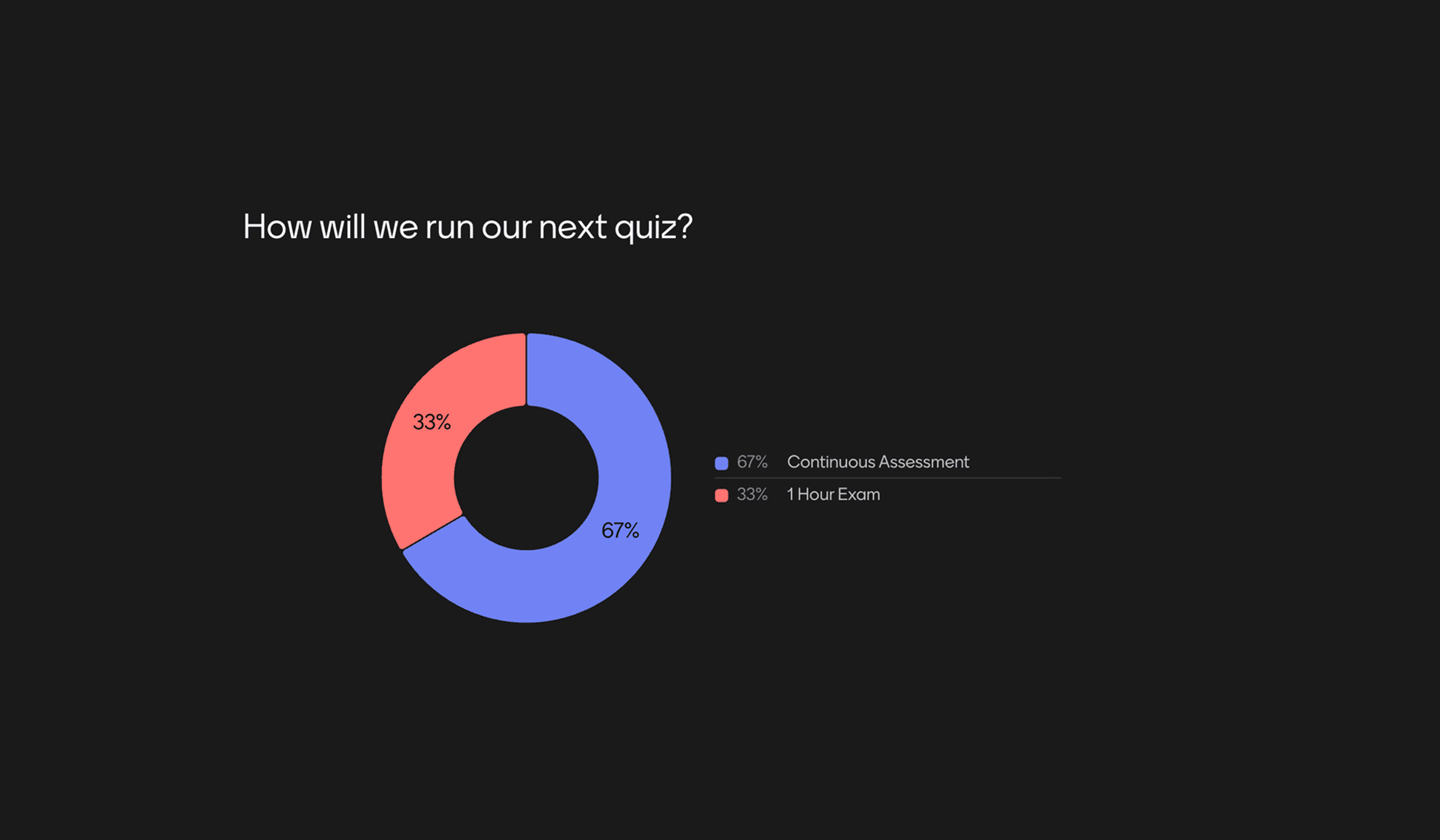
Gather Feedback on ExamsSee if your students prefer in-person testing, asynchronous exams, or if they happen to enjoy writing essays more than giving presentations.
Preview template
Gather Feedback on Exams featured content
Previous
Next
Manage Students' ExpectationsStart off class in the best way by seeing what the students expect and what they already know about the subject.
Preview template
Manage Students' Expectations featured content
Scheduling PollFind a day when everybody is available quick and easy with this poll. Adapt this template to make it suit your event and let your friends or colleagues vote for what day works best.
Preview template
Scheduling Poll featured content
New Semester PollA new semester is upon us and class is back in session. Gather your students together and see what they thought of last semester and what they are looking forward to.
Preview template
New Semester Poll featured content
Gather Feedback on ExamsSee if your students prefer in-person testing, asynchronous exams, or if they happen to enjoy writing essays more than giving presentations.
Preview template
Gather Feedback on Exams featured content
Previous
Next

Live polling is a type of interactive software that conducts live polls during active presentations. Participants respond to questions from their own devices, and results are displayed instantly on screen. Unlike traditional static surveys, live polls are particularly effective in meeting settings because they enable collaborative discussions in real time, enabling problem solving, constructive feedback and more.

Mentimeter’s online poll maker lets you create personalized interactive polls for audiences to respond to while you present. Simply choose a poll type, customize your question, and present live to watch responses appear instantly.

No. Participants join a Mentimeter poll with a six-digit code on their phone, tablet, or laptop. No additional accounts or sign-up steps are required, so voting is quick and easy. The only person who needs an account is the presenter creating the poll.

Mentimeter offers a free online poll maker for up to 50 participants. Participants can join and vote for free, with sign-up only required for the presenter. For unlimited participant access, check out our paid plans.

Yes. With Mentimeter, presenters can run an anonymous poll, which enables participants to answer anonymously without attaching their identity to their responses. Anonymous polling creates space for more honest responses, making it easier to gather feedback on sensitive topics and understand how participants really feel.

Mentimeter offers a range of interactive poll types to suit you. This includes multiple choice questions, word clouds, feedback scales, and ranking polls. Explore our free poll templates and examples to get inspired.

Yes. Participants join from any device using a code or link, and everyone can see the results in real time, no matter if participants are in the room or joining remotely. Read our help article using Mentimeter for remote sessions to learn more.

Rather than running a static poll, Mentimeter is built for live responses, gathering answers instantly to review on screen and discuss together. For more information on the differences between Mentimeter polls and other poll software, click here.

Yes. Mentimeter saves your poll results so you can review responses after the session ends and export them for further analysis. Results stay attached to your presentation in your Mentimeter account.

A good online polling tool should make it easy to create, share, and collect responses in real time. Look for features like simple audience joining, live results, anonymous participation, multiple poll formats, and insights you can review after the session.

Live polling enables better participant involvement that can influence meeting discussions in real time. What's more, live polling ensures every voice is heard, as everyone can contribute instantly. This can help teams gather feedback, ask questions anonymously, and have more constructive discussions.

Live polling is a type of interactive software that conducts live polls during active presentations. Participants respond to questions from their own devices, and results are displayed instantly on screen. Unlike traditional static surveys, live polls are particularly effective in meeting settings because they enable collaborative discussions in real time, enabling problem solving, constructive feedback and more.

Mentimeter’s online poll maker lets you create personalized interactive polls for audiences to respond to while you present. Simply choose a poll type, customize your question, and present live to watch responses appear instantly.

No. Participants join a Mentimeter poll with a six-digit code on their phone, tablet, or laptop. No additional accounts or sign-up steps are required, so voting is quick and easy. The only person who needs an account is the presenter creating the poll.

Mentimeter offers a free online poll maker for up to 50 participants. Participants can join and vote for free, with sign-up only required for the presenter. For unlimited participant access, check out our paid plans.

Yes. With Mentimeter, presenters can run an anonymous poll, which enables participants to answer anonymously without attaching their identity to their responses. Anonymous polling creates space for more honest responses, making it easier to gather feedback on sensitive topics and understand how participants really feel.

Mentimeter offers a range of interactive poll types to suit you. This includes multiple choice questions, word clouds, feedback scales, and ranking polls. Explore our free poll templates and examples to get inspired.

Yes. Participants join from any device using a code or link, and everyone can see the results in real time, no matter if participants are in the room or joining remotely. Read our help article using Mentimeter for remote sessions to learn more.

Rather than running a static poll, Mentimeter is built for live responses, gathering answers instantly to review on screen and discuss together. For more information on the differences between Mentimeter polls and other poll software, click here.

Yes. Mentimeter saves your poll results so you can review responses after the session ends and export them for further analysis. Results stay attached to your presentation in your Mentimeter account.

A good online polling tool should make it easy to create, share, and collect responses in real time. Look for features like simple audience joining, live results, anonymous participation, multiple poll formats, and insights you can review after the session.

Live polling enables better participant involvement that can influence meeting discussions in real time. What's more, live polling ensures every voice is heard, as everyone can contribute instantly. This can help teams gather feedback, ask questions anonymously, and have more constructive discussions.

from Participation to progress

Groups that talk, learn, and grow. Mentimeter helps you hear every voice, so you can help ideas move forward.
Start free today

from Participation to progress

Groups that talk, learn, and grow. Mentimeter helps you hear every voice, so you can help ideas move forward.
Start free today