• Pricing
  • Talk to sales

Features

  • Overview
  • AI presentation
  • AI quiz generator
  • Live polling
  • Word cloud
  • Quiz
  • Q&A
  • Survey
  • Presentations

Resources

  • Blog
  • How to
  • Work
  • Education
  • Templates
  • Academy
  • Webinars
  • Comparison
  • Stories
  • Integrations

Details

  • Legal
  • Policies
  • Accessibility
  • Help center
  • Requirements
  • AI at Mentimeter

About us

  • Press info
  • The team
  • Jobs
  • Culture
  • Benefits
  • Contact us
  • Climate
  • Investors

Choose your language

  • English
  • Portuguese (Brazil)
  • Spanish
  • German

Connect with us!

  • Overview
  • AI presentation
  • AI quiz generator
  • Live polling
  • Word cloud
  • Quiz
  • Q&A
  • Survey
  • Presentations
  • Blog
  • How to
  • Work
  • Education
  • Templates
  • Academy
  • Webinars
  • Comparison
  • Stories
  • Integrations
  • Legal
  • Policies
  • Accessibility
  • Help center
  • Requirements
  • AI at Mentimeter
  • Press info
  • The team
  • Jobs
  • Culture
  • Benefits
  • Contact us
  • Climate
  • Investors

Choose your language

  • English
  • Portuguese (Brazil)
  • Spanish
  • German

Connect with us!


(c) 2026 Mentimeter. All rights reserved.

PrivacyTerms and Conditions
  1. Home
  2. —All features

Live Q&A platform for meetings, classes, and events

Keep discussions organized and inclusive. Live Q&As let participants ask questions anytime, while helping you to prioritize the ones that matter most.
Create a Q&A
QA Hero

The Q&A where everyone gets heard

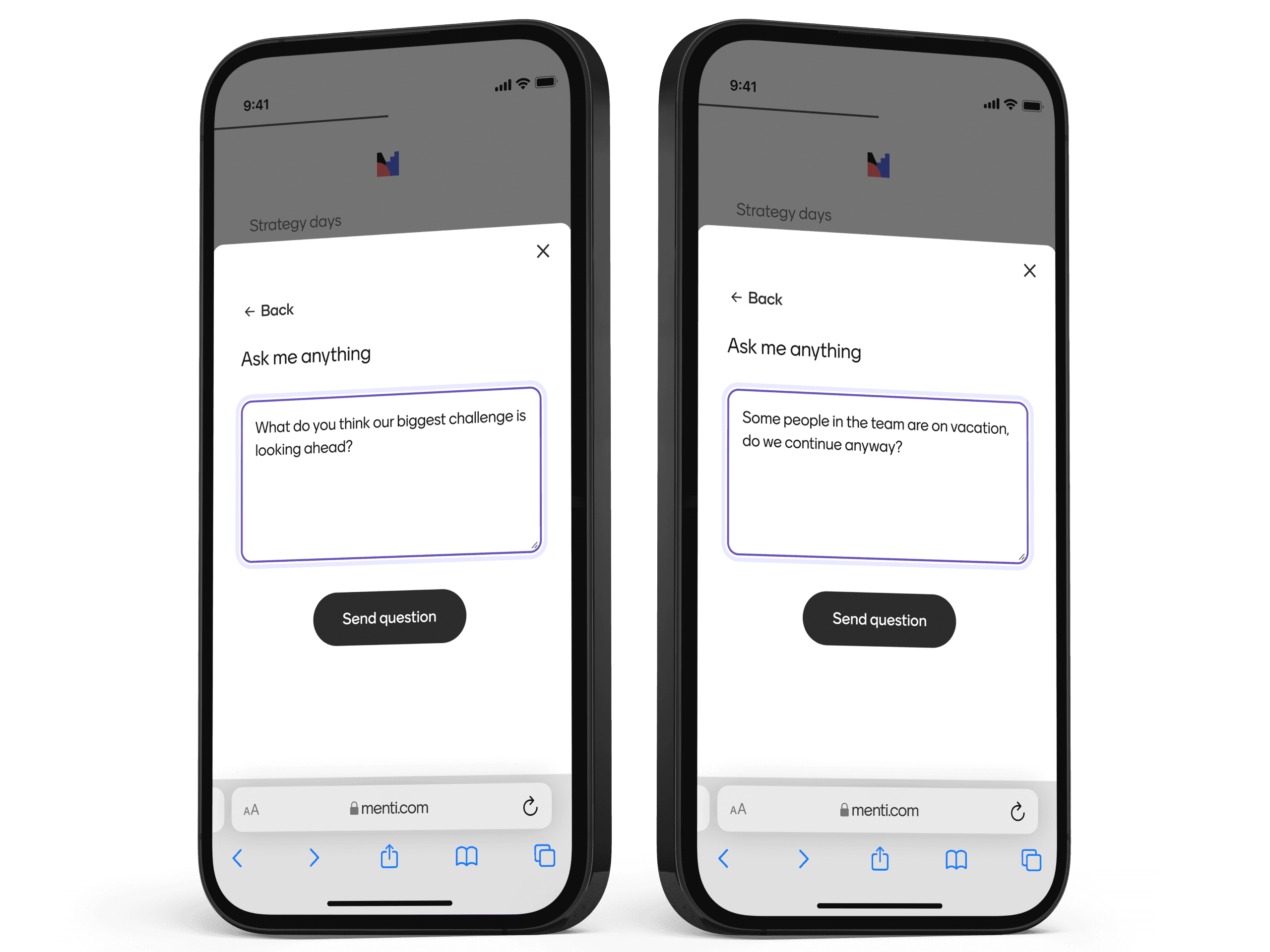
Live Q&A ensures everyone has the chance to be heard, without interrupting the flow of your presentation.

How to Run a Live Q&A

Let participants submit and vote on questions live, so you can focus on what your audience wants answered most.
  1. Home
  2. —All features

Live Q&A platform for meetings, classes, and events

Keep discussions organized and inclusive. Live Q&As let participants ask questions anytime, while helping you to prioritize the ones that matter most.
Create a Q&A
QA Hero

The Q&A where everyone gets heard

Live Q&A ensures everyone has the chance to be heard, without interrupting the flow of your presentation.

How to Run a Live Q&A

Let participants submit and vote on questions live, so you can focus on what your audience wants answered most.

Start faster with Q&A templates

Save time and get inspired with ready-to-use templates created from real-world workshops, classrooms, and team sessions.
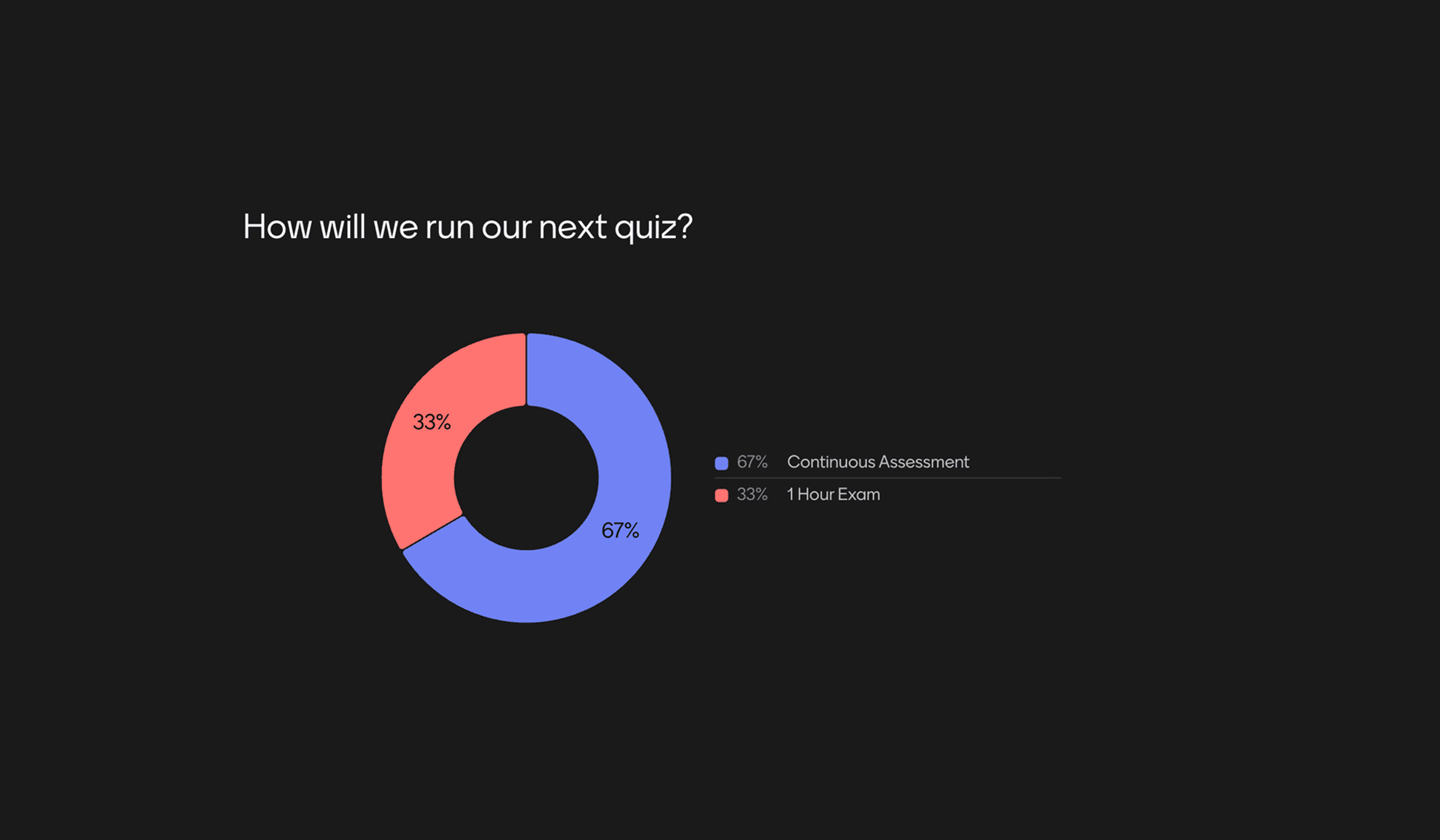
Gather Feedback on ExamsSee if your students prefer in-person testing, asynchronous exams, or if they happen to enjoy writing essays more than giving presentations.
Preview template
Gather Feedback on Exams featured content
Exam reflectionCheck-in with students after an exam to see how they felt it went.
Preview template
Exam reflection featured content
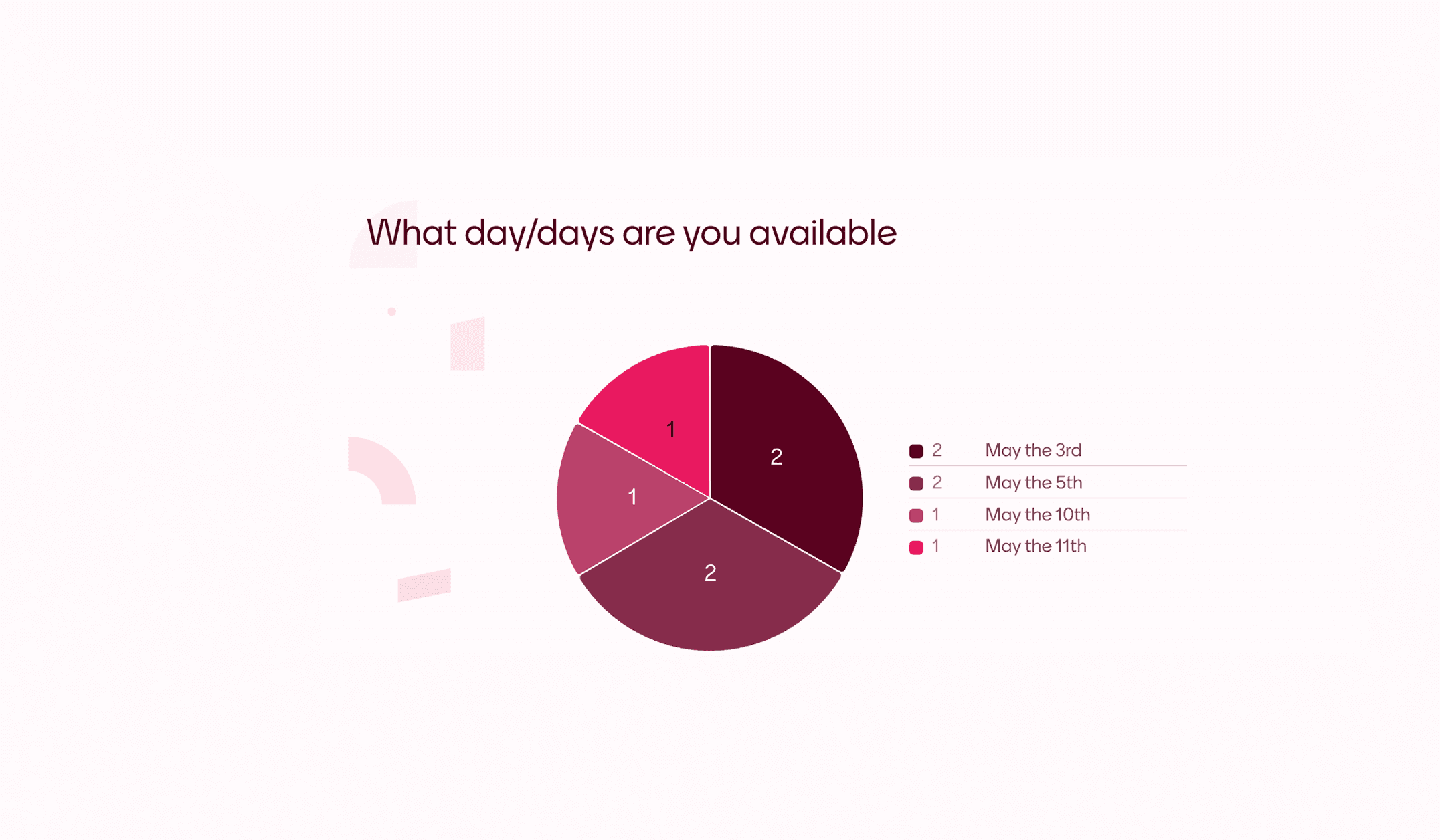
Scheduling PollFind a day when everybody is available quick and easy with this poll. Adapt this template to make it suit your event and let your friends or colleagues vote for what day works best.
Preview template
Scheduling Poll featured content
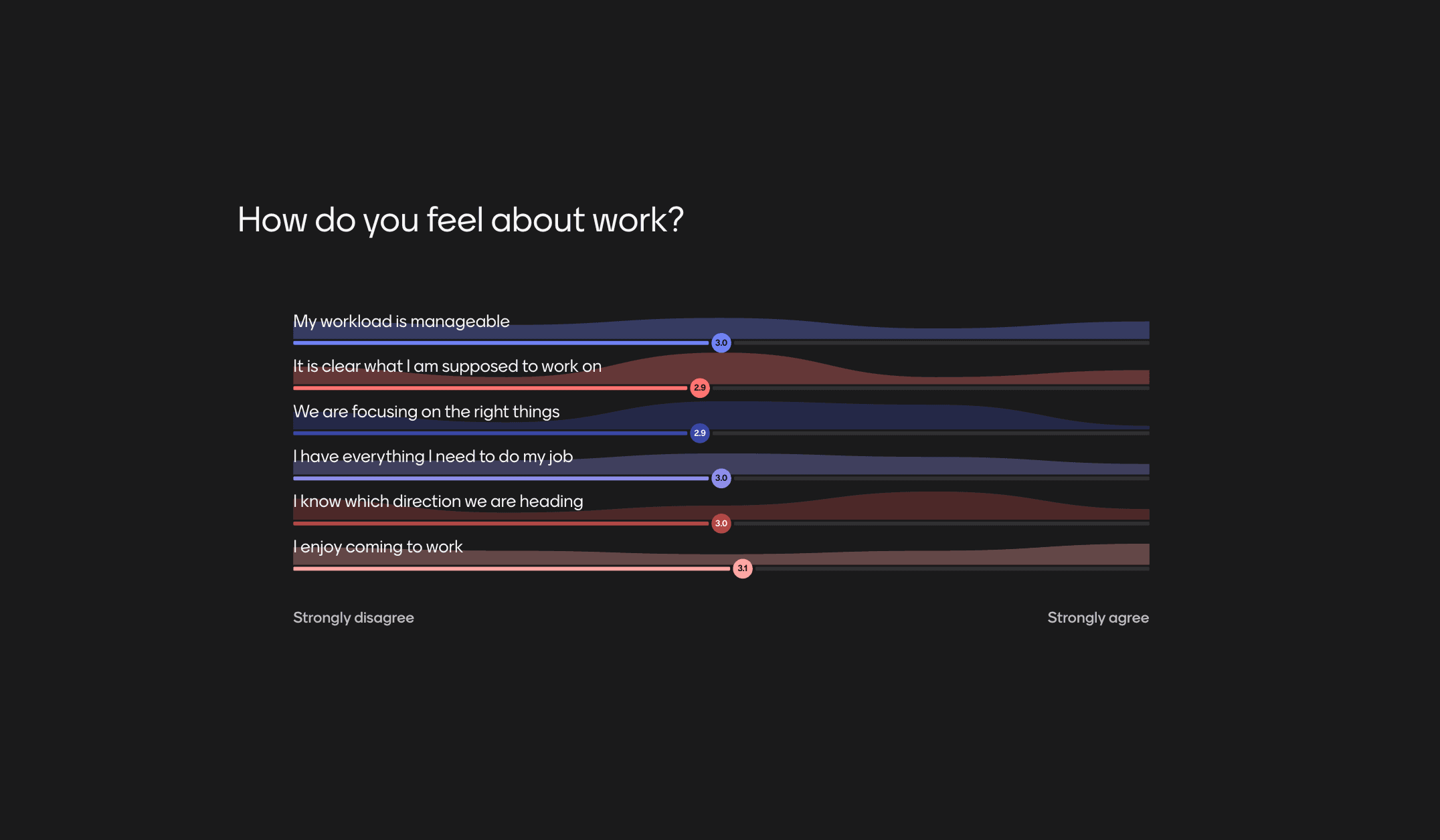
Weekly team pulse-checkKeep a finger on the pulse of people's opinions, especially when hybrid working. Run pulse checks at the beginning of weekly team meetings to check in with anyone and catch any issues.
Preview template
Weekly team pulse-check featured content
Previous
Next

More ways to engage your audience

With everything from live polls and Q&As to AI-powered presentations, Mentimeter fits right into any meeting, class, or workshop.

Live Q&A FAQs

Curiosity happens. We’ve answered our most frequently asked questions in one place.

from Participation to progress

Groups that talk, learn, and grow. Mentimeter helps you hear every voice, so you can help ideas move forward.
Start free today

Start faster with Q&A templates

Save time and get inspired with ready-to-use templates created from real-world workshops, classrooms, and team sessions.
Gather Feedback on ExamsSee if your students prefer in-person testing, asynchronous exams, or if they happen to enjoy writing essays more than giving presentations.
Preview template
Gather Feedback on Exams featured content
Exam reflectionCheck-in with students after an exam to see how they felt it went.
Preview template
Exam reflection featured content
Scheduling PollFind a day when everybody is available quick and easy with this poll. Adapt this template to make it suit your event and let your friends or colleagues vote for what day works best.
Preview template
Scheduling Poll featured content
Weekly team pulse-checkKeep a finger on the pulse of people's opinions, especially when hybrid working. Run pulse checks at the beginning of weekly team meetings to check in with anyone and catch any issues.
Preview template
Weekly team pulse-check featured content
Previous
Next

More ways to engage your audience

With everything from live polls and Q&As to AI-powered presentations, Mentimeter fits right into any meeting, class, or workshop.

Live Q&A FAQs

Curiosity happens. We’ve answered our most frequently asked questions in one place.

from Participation to progress

Groups that talk, learn, and grow. Mentimeter helps you hear every voice, so you can help ideas move forward.
Start free today

Moderate and prioritise in real time

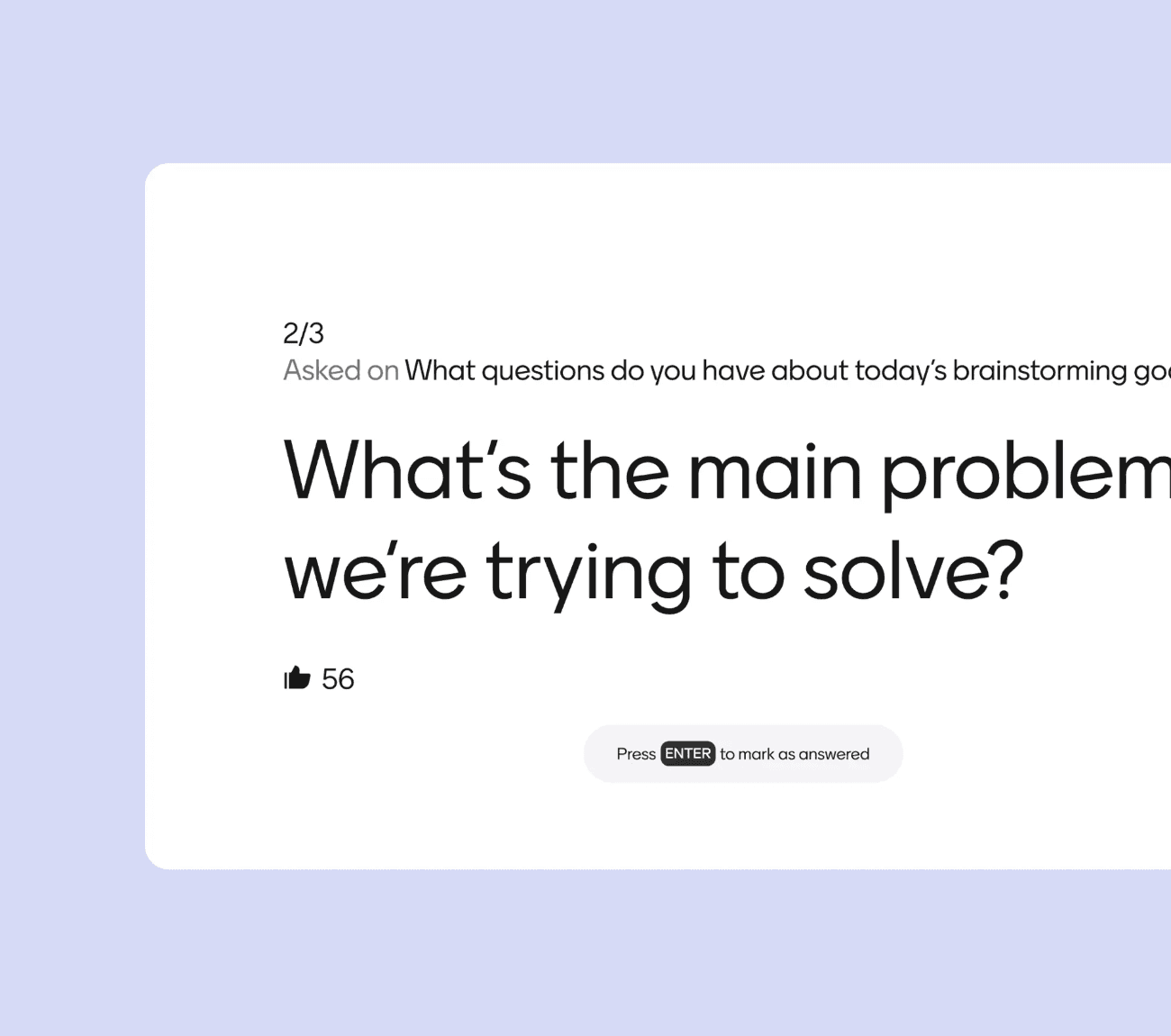
Highlight questions so discussions stay focused, respectful, and productive.
Moderate with ease

Surface top questions

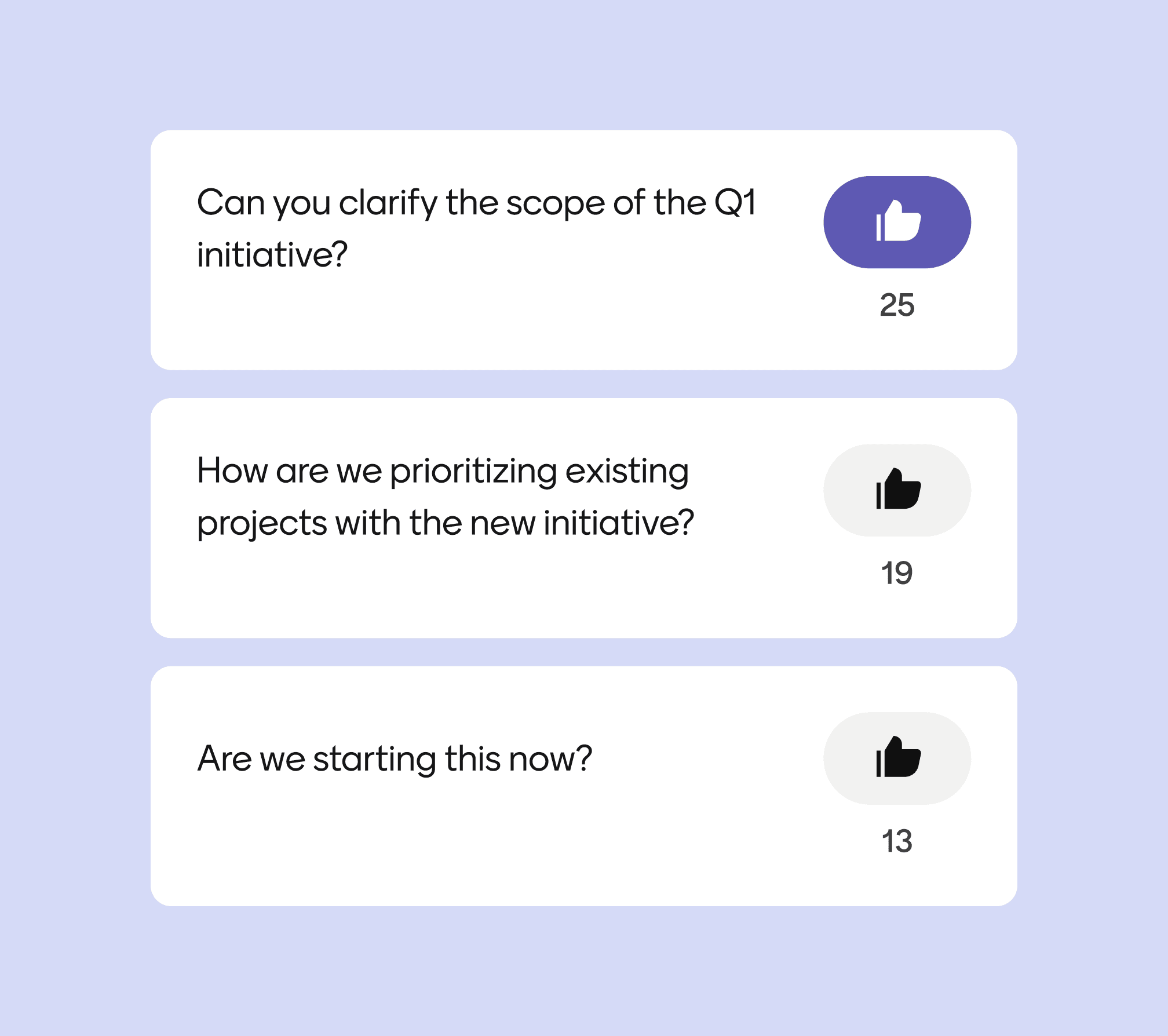
Participants can upvote questions, helping you address what matters most to your audience.
Surface top questions

Any device, anywhere

Participants can vote on their phone, tablet, or laptop — no installs, no fuss.
Any device, anywhere

Moderate and prioritise in real time

Highlight questions so discussions stay focused, respectful, and productive.
Moderate with ease

Surface top questions

Participants can upvote questions, helping you address what matters most to your audience.
Surface top questions

Any device, anywhere

Participants can vote on their phone, tablet, or laptop — no installs, no fuss.
Any device, anywhere

1. Add a Q&A slide

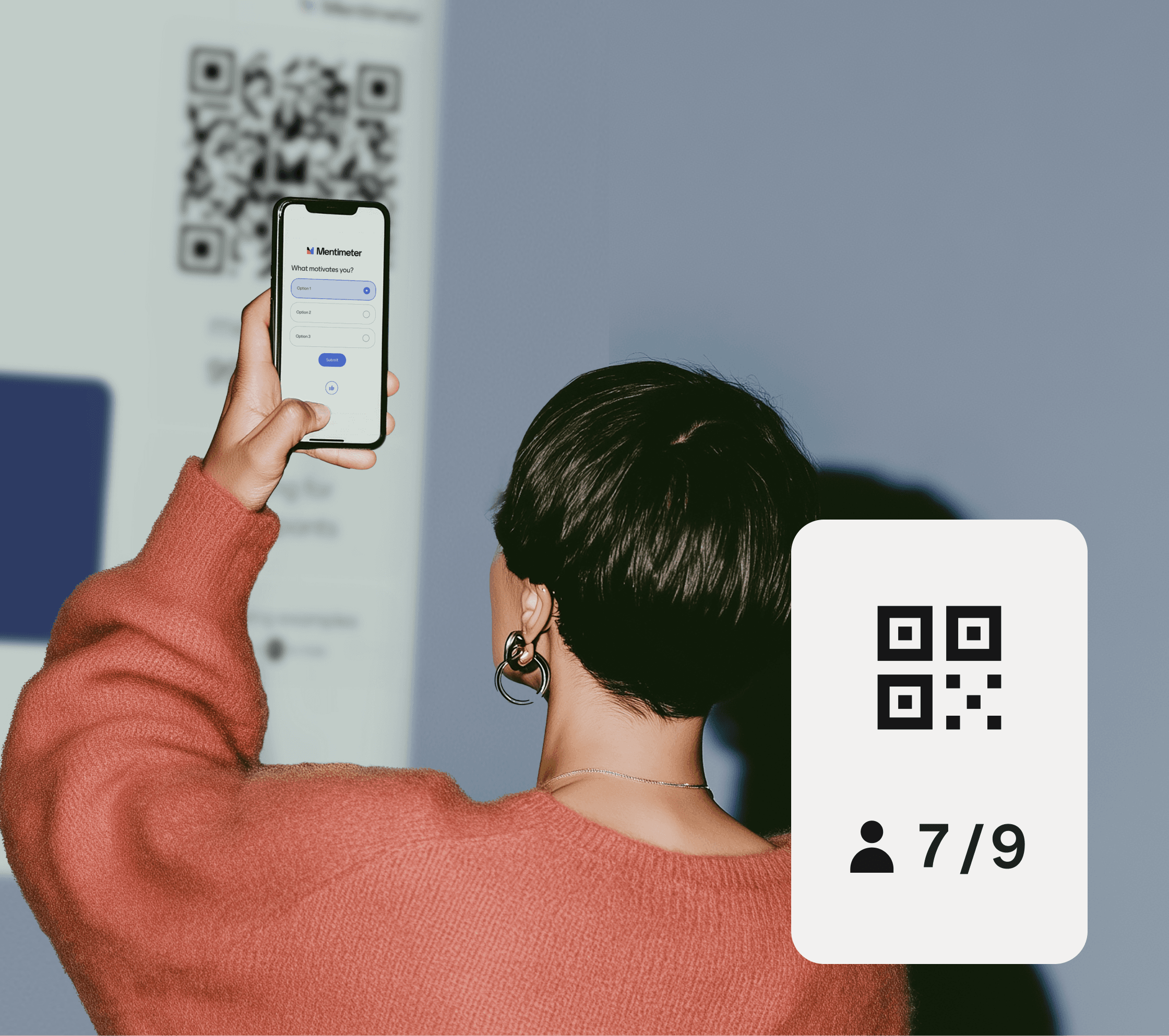
Sign in to Mentimeter, open a new presentation, and add a Q&A slide. Participants will join via a six-digit code to submit and upvote questions anonymously.

2. Share your code

Participants submit from their devices.

3. Moderate & answer

Display and address questions live.

Create your first Q&A today

1. Add a Q&A slide

Sign in to Mentimeter, open a new presentation, and add a Q&A slide. Participants will join via a six-digit code to submit and upvote questions anonymously.

2. Share your code

Participants submit from their devices.

3. Moderate & answer

Display and address questions live.

Create your first Q&A today

Interactive presentation

Turn your presentations into conversations and keep your audience engaged.

Create Interactive presentation

AI Menti Creator

Say goodbye to blank slides, create interactive presentations in seconds.

Create with AI Menti Creator

Live Poll

Turn passive audiences into active participants with Live Polling

Create Live Poll

Quiz

Turn your sessions into interactive competitions.

Create a Quiz

Survey

Capture structured feedback on the spot.

Create a Survey

Live Word Cloud

Turn scattered thoughts into a shared visual.

Create a Word Cloud

Interactive presentation

Turn your presentations into conversations and keep your audience engaged.

Create Interactive presentation

AI Menti Creator

Say goodbye to blank slides, create interactive presentations in seconds.

Create with AI Menti Creator

Live Poll

Turn passive audiences into active participants with Live Polling

Create Live Poll

Quiz

Turn your sessions into interactive competitions.

Create a Quiz

Survey

Capture structured feedback on the spot.

Create a Survey

Live Word Cloud

Turn scattered thoughts into a shared visual.

Create a Word Cloud

Live Q&A software lets an audience submit and prioritise questions during a presentation, meeting, or event in real time — typically with participants joining from their own devices and questions appearing on a shared screen. Unlike traditional Q&A (where the loudest voice dominates or hands stay down), live Q&A software collects questions anonymously and lets the audience upvote what they want answered most. Mentimeter's live Q&A runs in any browser — participants join with a six-digit code, no app or account needed.

Q&A sessions surface the questions your audience actually has — not just the ones from the people brave enough to raise their hand.

When participants can submit anonymously and upvote each other's questions, you get a more honest picture of what the room is wondering, including the questions people would never ask out loud. Use Q&A at the end of a presentation to address the most-wanted topics, throughout a workshop to keep discussion flowing, or during a webinar to surface common confusion in real time.

Yes — by default, questions in a Mentimeter Q&A are anonymous. Participants join with a six-digit code and submit questions without giving their name, creating an account, or being tracked. This is the point: anonymity gets you the questions people are too shy or political to ask out loud. If you need named questions for accountability (for example, an internal town hall where attribution matters), you can switch on participant identification in your Q&A settings.

Yes. Mentimeter gives presenters live moderation controls — you can highlight questions to discuss, mark questions as answered, dismiss off-topic questions, or hide questions from the audience view entirely. This is particularly useful for large sessions where some filtering is necessary, or for sensitive topics where you want to vet questions before they're visible to the room.

Yes. Participants can upvote questions submitted by others — and the most-upvoted questions rise to the top of the list. This means you can spend the Q&A time on what the audience actually wants answered most, instead of trying to address every question or relying on a host to choose. The upvoting mechanic effectively crowdsources the priority order.

Mentimeter and Slido are both audience interaction platforms with live Q&A, polls, quizzes, and surveys — feature sets overlap significantly, and both offer anonymous submission and audience upvoting. The main difference is ecosystem fit: Slido is owned by Cisco and built into Webex Suite. Mentimeter is independent, with your slides and audience response in one platform. See our full Mentimeter vs Slido comparison for a detailed breakdown.

Live Q&A software lets an audience submit and prioritise questions during a presentation, meeting, or event in real time — typically with participants joining from their own devices and questions appearing on a shared screen. Unlike traditional Q&A (where the loudest voice dominates or hands stay down), live Q&A software collects questions anonymously and lets the audience upvote what they want answered most. Mentimeter's live Q&A runs in any browser — participants join with a six-digit code, no app or account needed.

Q&A sessions surface the questions your audience actually has — not just the ones from the people brave enough to raise their hand.

When participants can submit anonymously and upvote each other's questions, you get a more honest picture of what the room is wondering, including the questions people would never ask out loud. Use Q&A at the end of a presentation to address the most-wanted topics, throughout a workshop to keep discussion flowing, or during a webinar to surface common confusion in real time.

Yes — by default, questions in a Mentimeter Q&A are anonymous. Participants join with a six-digit code and submit questions without giving their name, creating an account, or being tracked. This is the point: anonymity gets you the questions people are too shy or political to ask out loud. If you need named questions for accountability (for example, an internal town hall where attribution matters), you can switch on participant identification in your Q&A settings.

Yes. Mentimeter gives presenters live moderation controls — you can highlight questions to discuss, mark questions as answered, dismiss off-topic questions, or hide questions from the audience view entirely. This is particularly useful for large sessions where some filtering is necessary, or for sensitive topics where you want to vet questions before they're visible to the room.

Yes. Participants can upvote questions submitted by others — and the most-upvoted questions rise to the top of the list. This means you can spend the Q&A time on what the audience actually wants answered most, instead of trying to address every question or relying on a host to choose. The upvoting mechanic effectively crowdsources the priority order.

Mentimeter and Slido are both audience interaction platforms with live Q&A, polls, quizzes, and surveys — feature sets overlap significantly, and both offer anonymous submission and audience upvoting. The main difference is ecosystem fit: Slido is owned by Cisco and built into Webex Suite. Mentimeter is independent, with your slides and audience response in one platform. See our full Mentimeter vs Slido comparison for a detailed breakdown.