• Pricing
  • Talk to sales

Features

  • Overview
  • AI presentation
  • AI quiz generator
  • Live polling
  • Word cloud
  • Quiz
  • Q&A
  • Survey
  • Presentations

Resources

  • Blog
  • How to
  • Work
  • Education
  • Templates
  • Academy
  • Webinars
  • Comparison
  • Stories
  • Integrations

Details

  • Legal
  • Policies
  • Accessibility
  • Help center
  • Requirements
  • AI at Mentimeter

About us

  • Press info
  • The team
  • Jobs
  • Culture
  • Benefits
  • Contact us
  • Climate
  • Investors

Choose your language

  • English
  • Portuguese (Brazil)
  • Spanish
  • German

Connect with us!

  • Overview
  • AI presentation
  • AI quiz generator
  • Live polling
  • Word cloud
  • Quiz
  • Q&A
  • Survey
  • Presentations
  • Blog
  • How to
  • Work
  • Education
  • Templates
  • Academy
  • Webinars
  • Comparison
  • Stories
  • Integrations
  • Legal
  • Policies
  • Accessibility
  • Help center
  • Requirements
  • AI at Mentimeter
  • Press info
  • The team
  • Jobs
  • Culture
  • Benefits
  • Contact us
  • Climate
  • Investors

Choose your language

  • English
  • Portuguese (Brazil)
  • Spanish
  • German

Connect with us!


(c) 2026 Mentimeter. All rights reserved.

PrivacyTerms and Conditions
  1. Home
  2. —All features

Presentation maker for interactive sessions

Use our presentation maker for meetings, classrooms, workshops, and training with built-in polls, quizzes, Q&A, and templates that help you keep your audience involved.
Create a presentation
Presentations Hero

Everything you need to run an interactive session

More than just interactive slides, Mentimeter makes creating impressive online presentations easier than ever before.

Build an interactive Presentation

Create your Menti in minutes. Add your slides, drop in a poll, quiz, or Q&A, share a code, and your audience is responding
  1. Home
  2. —All features

Presentation maker for interactive sessions

Use our presentation maker for meetings, classrooms, workshops, and training with built-in polls, quizzes, Q&A, and templates that help you keep your audience involved.
Create a presentation
Presentations Hero

Everything you need to run an interactive session

More than just interactive slides, Mentimeter makes creating impressive online presentations easier than ever before.

Build an interactive Presentation

Create your Menti in minutes. Add your slides, drop in a poll, quiz, or Q&A, share a code, and your audience is responding

Presentation templates for meetings, classrooms, and events

Save time and get inspired with ready-to-use templates created from real-world workshops, classrooms, and team sessions.
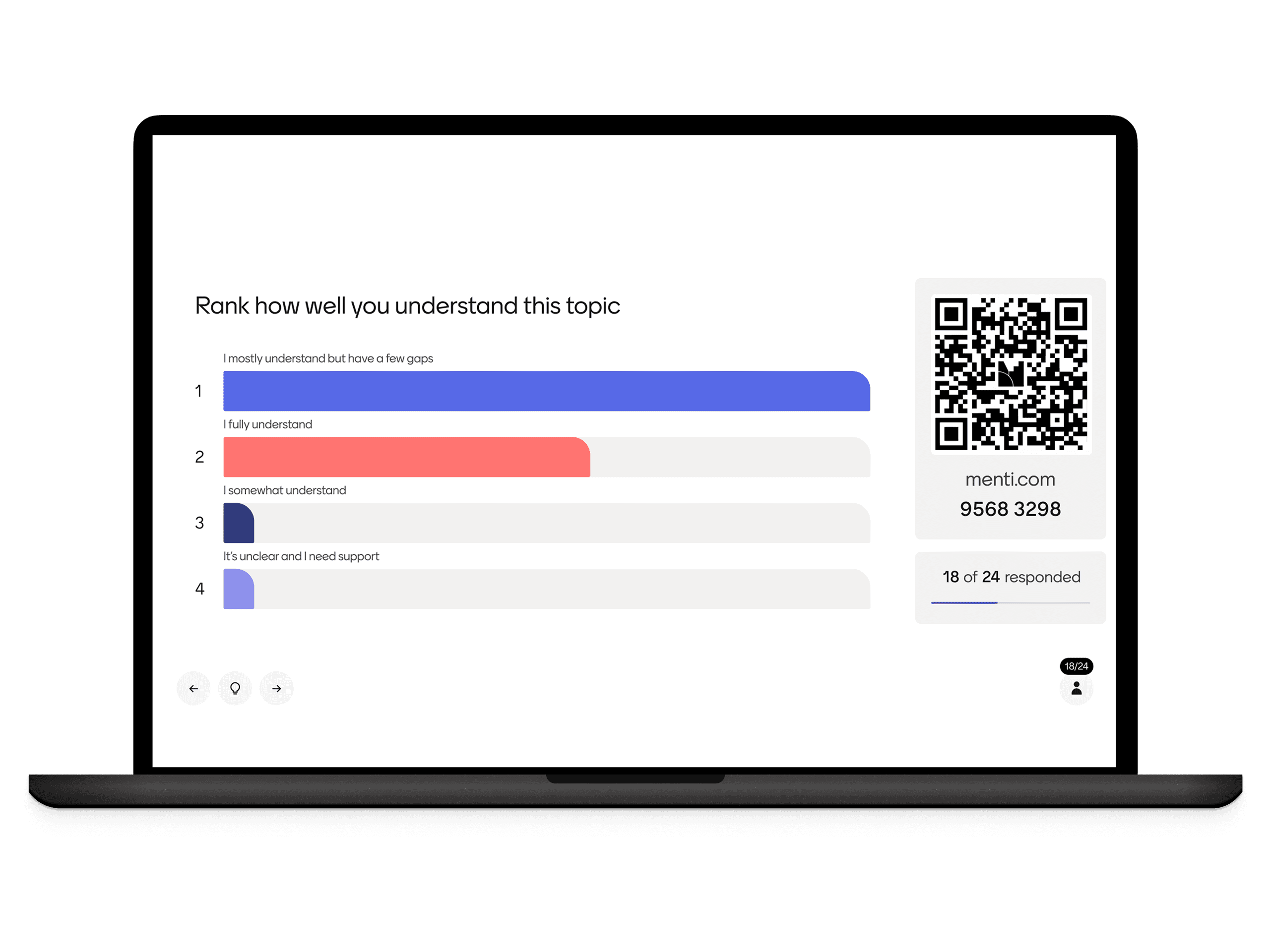
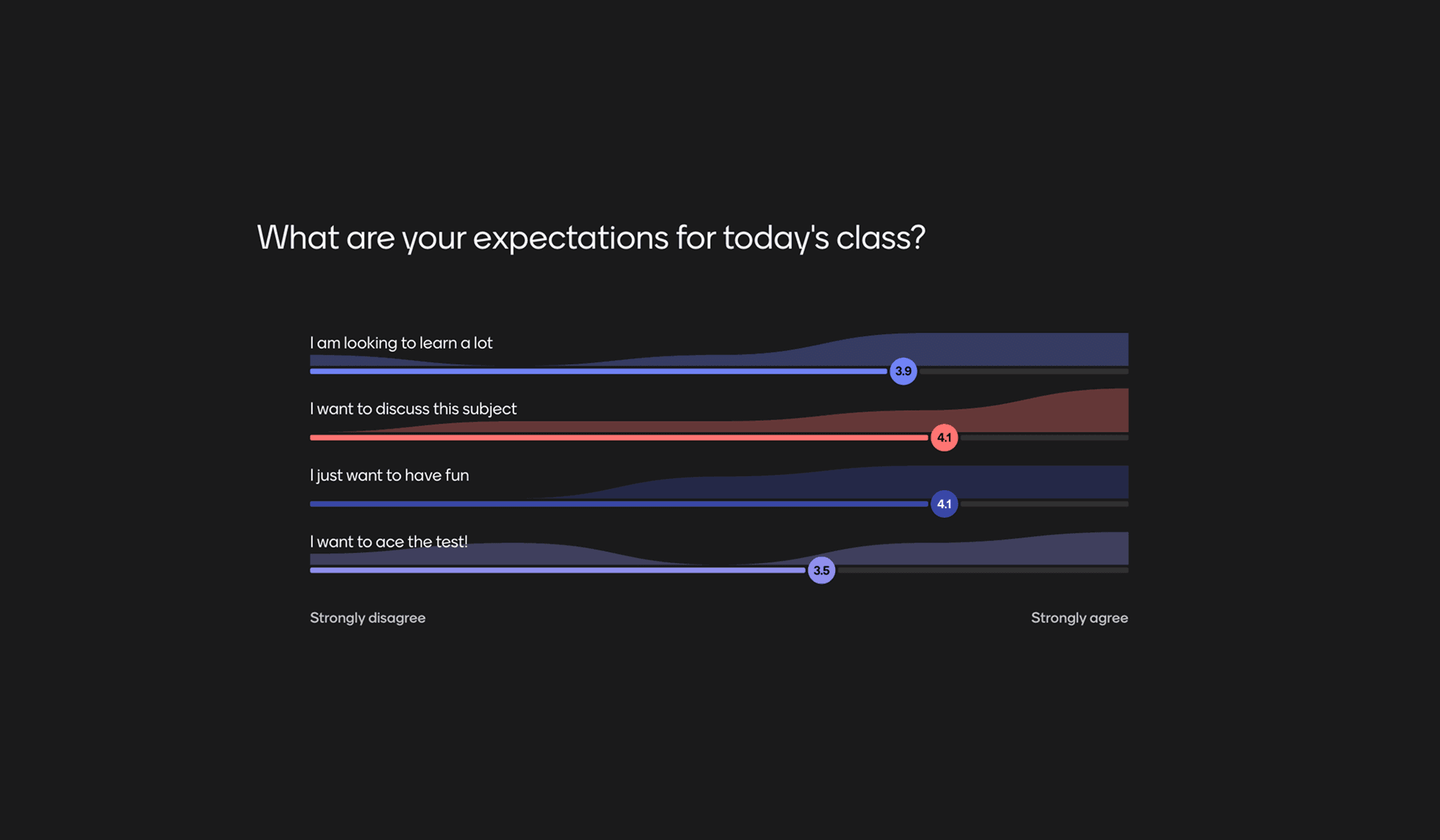
Manage Students' ExpectationsStart off class in the best way by seeing what the students expect and what they already know about the subject.
Preview template
Manage Students' Expectations featured content
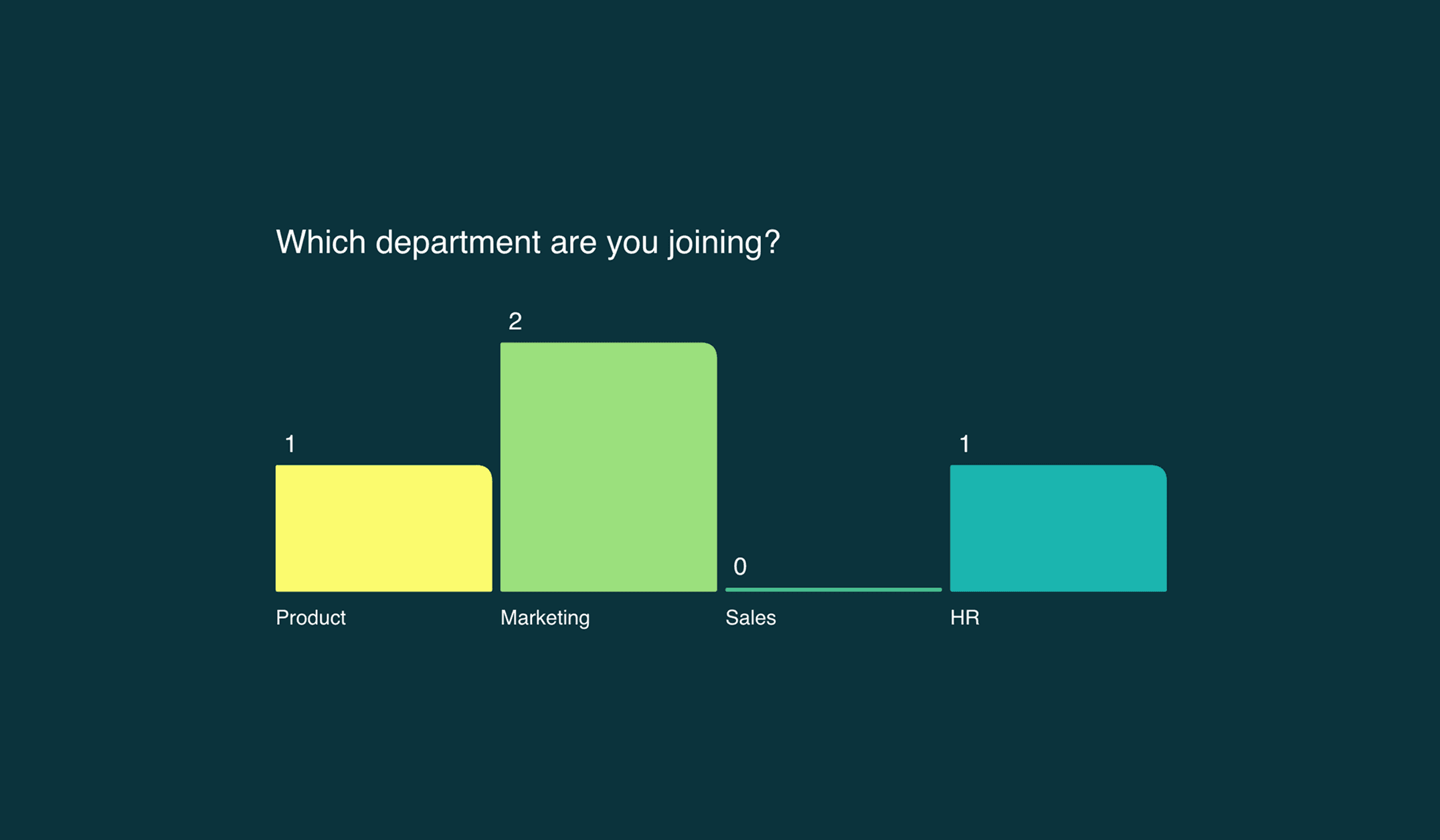
Get to Know Your Onboarding GroupHelp your newly onboarded colleagues get to know each other using the segmentation feature of the Multiple Choice slide. Start conversations and generate statistics all at once. How great is that?
Preview template
Get to Know Your Onboarding Group featured content
Creative thinking brainstormQuick icebreaker to kick-start brainstorming and creative discussions. Get to know participants better and generate meaningful, interesting and creative conversations.
Preview template
Creative thinking brainstorm featured content
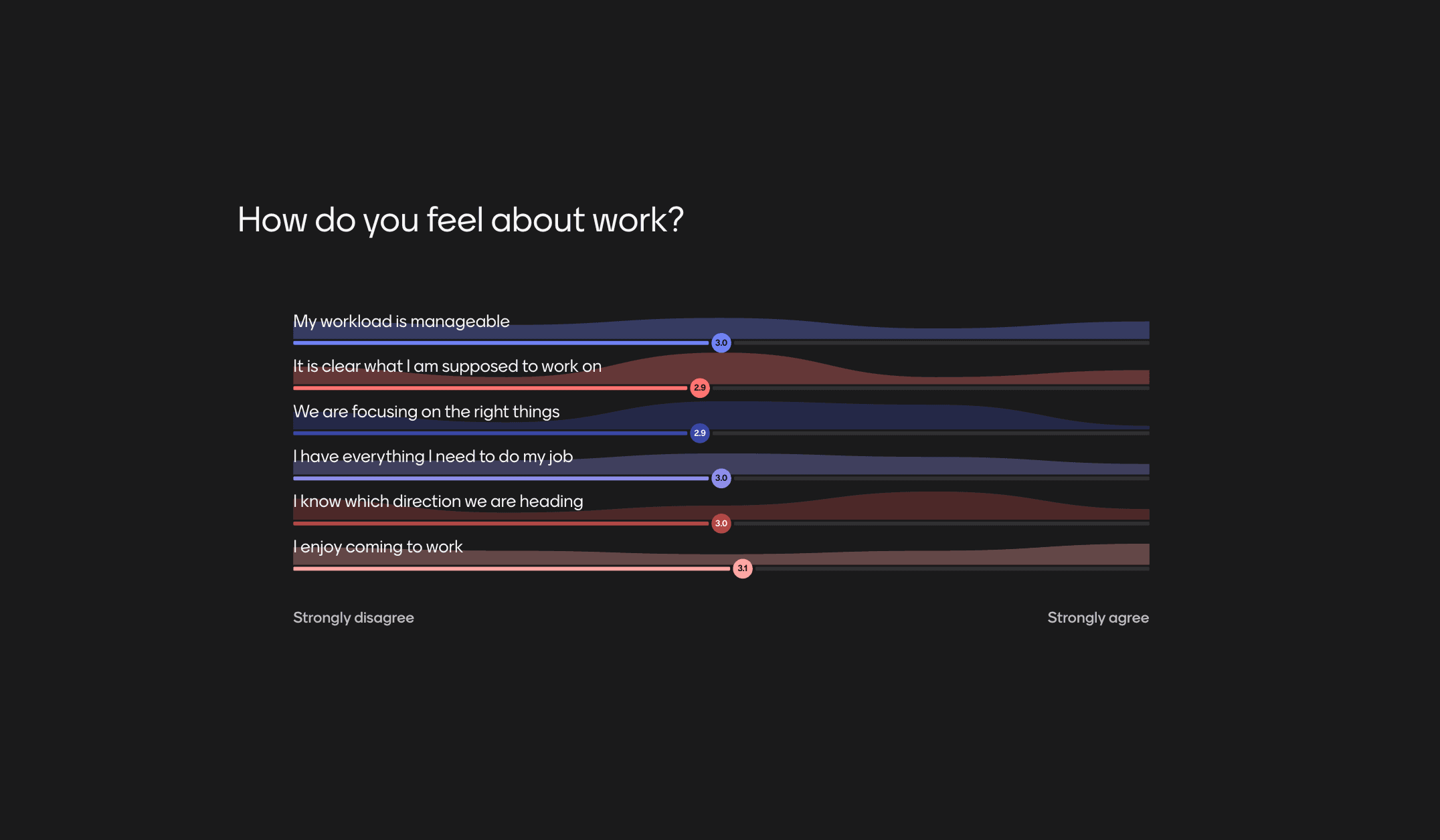
Weekly team pulse-checkKeep a finger on the pulse of people's opinions, especially when hybrid working. Run pulse checks at the beginning of weekly team meetings to check in with anyone and catch any issues.
Preview template
Weekly team pulse-check featured content
Previous
Next

More than just a
presentation maker

With everything from live polls and Q&As to AI-powered presentations, Mentimeter fits right into any meeting, class, or workshop.

Presentation maker FAQs

Curiosity happens. We’ve answered our most frequently asked questions in one place.

from Participation to progress

Groups that talk, learn, and grow. Mentimeter helps you hear every voice, so you can help ideas move forward.
Start free today

Presentation templates for meetings, classrooms, and events

Save time and get inspired with ready-to-use templates created from real-world workshops, classrooms, and team sessions.
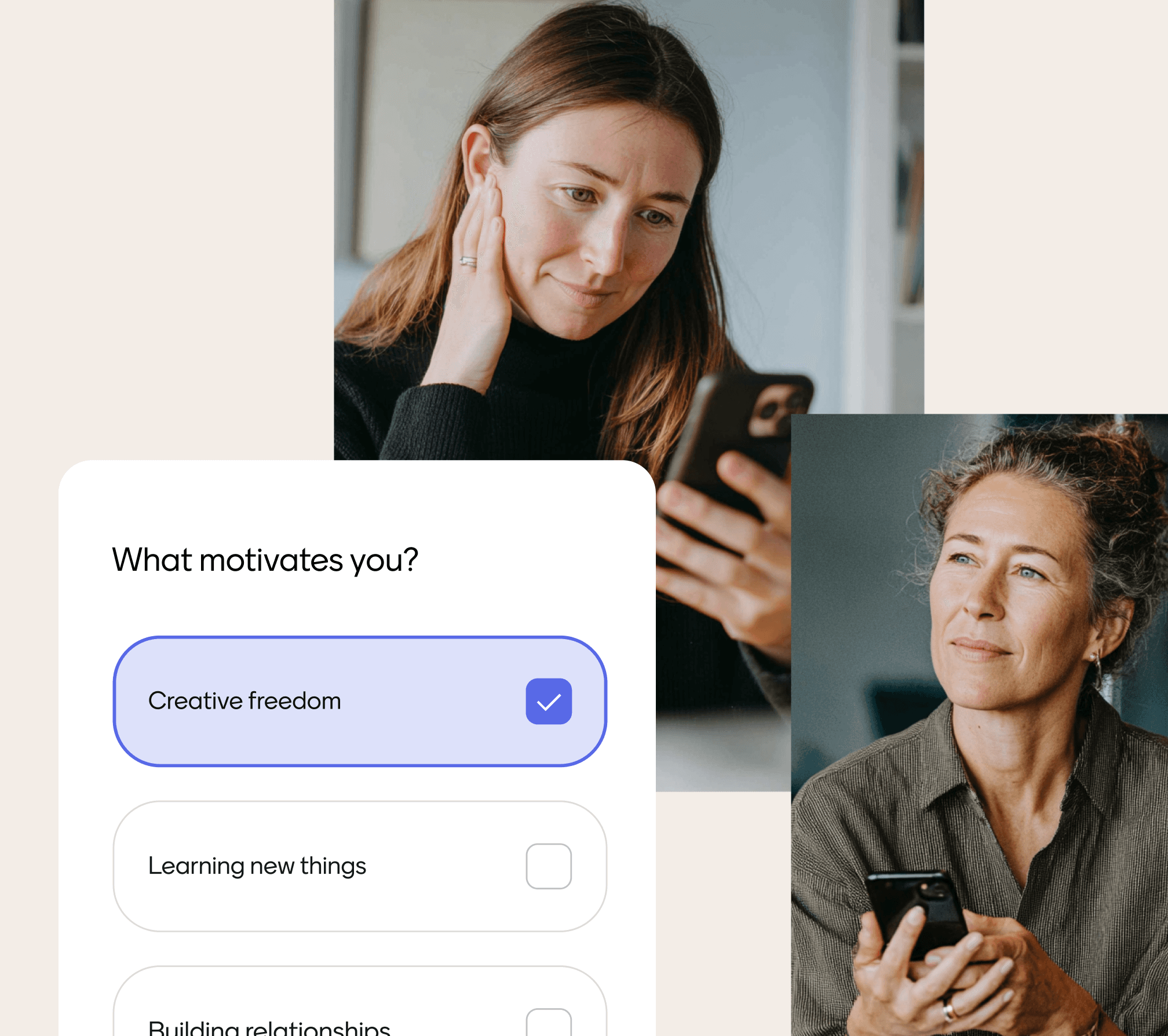
Manage Students' ExpectationsStart off class in the best way by seeing what the students expect and what they already know about the subject.
Preview template
Manage Students' Expectations featured content
Get to Know Your Onboarding GroupHelp your newly onboarded colleagues get to know each other using the segmentation feature of the Multiple Choice slide. Start conversations and generate statistics all at once. How great is that?
Preview template
Get to Know Your Onboarding Group featured content
Creative thinking brainstormQuick icebreaker to kick-start brainstorming and creative discussions. Get to know participants better and generate meaningful, interesting and creative conversations.
Preview template
Creative thinking brainstorm featured content
Weekly team pulse-checkKeep a finger on the pulse of people's opinions, especially when hybrid working. Run pulse checks at the beginning of weekly team meetings to check in with anyone and catch any issues.
Preview template
Weekly team pulse-check featured content
Previous
Next

More than just a
presentation maker

With everything from live polls and Q&As to AI-powered presentations, Mentimeter fits right into any meeting, class, or workshop.

Presentation maker FAQs

Curiosity happens. We’ve answered our most frequently asked questions in one place.

from Participation to progress

Groups that talk, learn, and grow. Mentimeter helps you hear every voice, so you can help ideas move forward.
Start free today

Interactive tools built-in

Engage your audience with polls, quizzes, Q&A, and more — fully compatible with PowerPoint, Zoom, and Microsoft Teams.
Interactive tools built in

Designed for clarity

Clean layouts and templates make your presentation easy to make, and fully customizable to fit your style.
Designed for clarity

Any device, anywhere

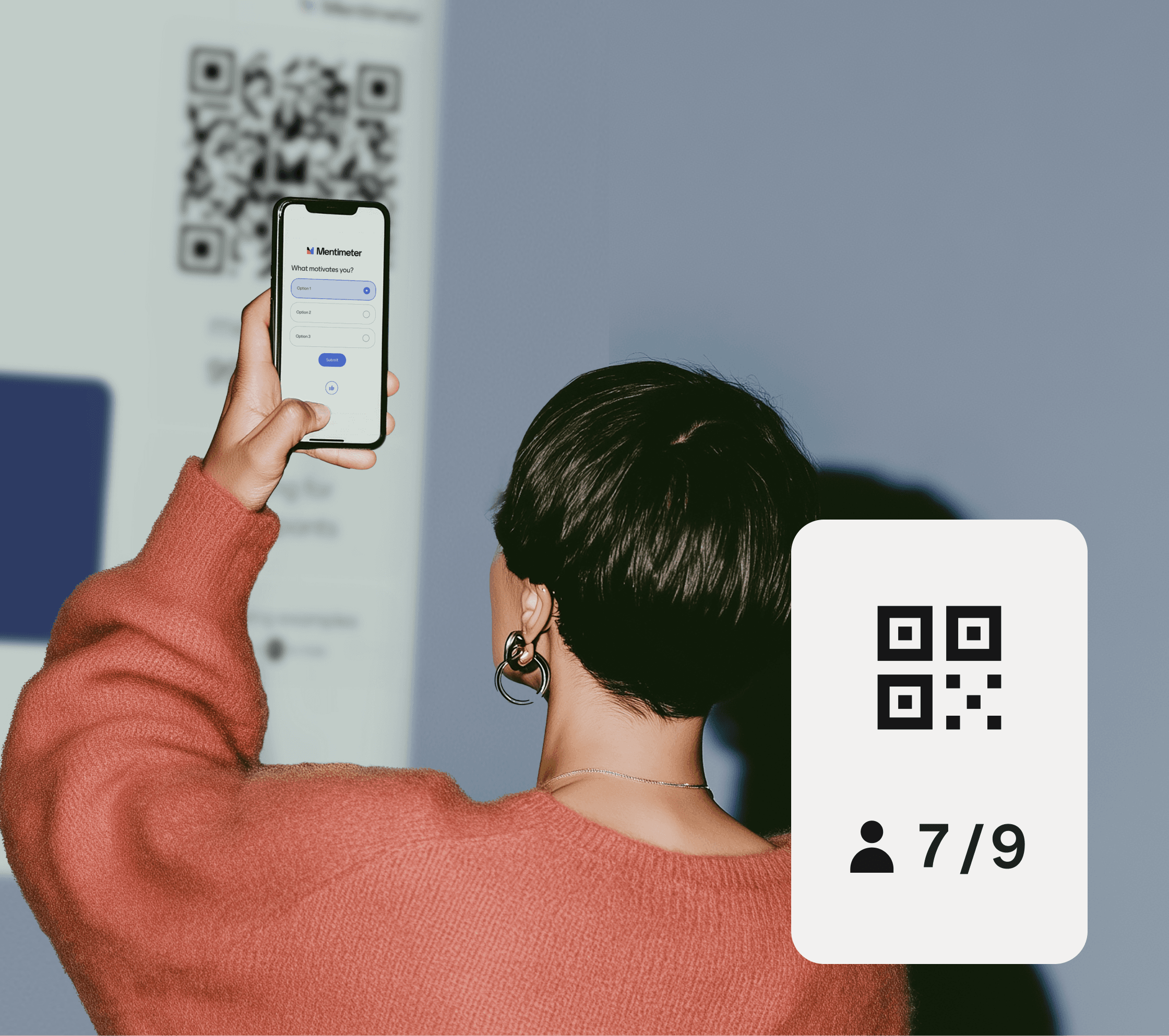
Participants can vote on their phone, tablet, or laptop — no installs, no fuss.
Any device, anywhere

Interactive tools built-in

Engage your audience with polls, quizzes, Q&A, and more — fully compatible with PowerPoint, Zoom, and Microsoft Teams.
Interactive tools built in

Designed for clarity

Clean layouts and templates make your presentation easy to make, and fully customizable to fit your style.
Designed for clarity

Any device, anywhere

Participants can vote on their phone, tablet, or laptop — no installs, no fuss.
Any device, anywhere

1. Create your slides

Sign in to Mentimeter, open a new presentation, and either start from a template or add your own slides.

2. Add interactions

Choose from polls, Open Ended, Word Clouds, and more.

3. Present live

Your participants join from their devices and answer live.

Start creating today

1. Create your slides

Sign in to Mentimeter, open a new presentation, and either start from a template or add your own slides.

2. Add interactions

Choose from polls, Open Ended, Word Clouds, and more.

3. Present live

Your participants join from their devices and answer live.

Start creating today

Interactive presentation

Turn your presentations into conversations and keep your audience engaged.

Create Interactive presentation

AI Menti Creator

Say goodbye to blank slides, create interactive presentations in seconds.

Create with AI Menti Creator

Live Poll

Turn passive audiences into active participants with Live Polling

Create Live Poll

Quiz

Turn your sessions into interactive competitions.

Create a Quiz

Survey

Capture structured feedback on the spot.

Create a Survey

Live Word Cloud

Turn scattered thoughts into a shared visual.

Create a Word Cloud

Interactive presentation

Turn your presentations into conversations and keep your audience engaged.

Create Interactive presentation

AI Menti Creator

Say goodbye to blank slides, create interactive presentations in seconds.

Create with AI Menti Creator

Live Poll

Turn passive audiences into active participants with Live Polling

Create Live Poll

Quiz

Turn your sessions into interactive competitions.

Create a Quiz

Survey

Capture structured feedback on the spot.

Create a Survey

Live Word Cloud

Turn scattered thoughts into a shared visual.

Create a Word Cloud

A presentation becomes interactive when the audience participates rather than just watches. Instead of one-way slides with a speaker talking, an interactive presentation includes live elements the audience responds to in real time — polls they vote in, quizzes they answer, questions they submit, word clouds they contribute to. The audience uses their own devices; results appear on the shared screen; the presenter sees what the room is thinking and adjusts in the moment. Mentimeter is built specifically for this format: slides with built-in audience response, designed for meetings, classrooms, workshops, and live events.

Yes. Mentimeter works the same way whether your audience is in the room with you, joining a video call, or a mix of both. Participants join from any device using a code or link — no app to download, no account to create. The presenter shares their screen (or uses Mentimeter's integration with Zoom or Microsoft Teams) and participants respond from their own devices. Results appear live regardless of where each participant is, so remote attendees never feel like second-class members of the room.

Yes — Mentimeter integrates with PowerPoint through the Mentimeter for PowerPoint add-in. You can embed Mentimeter's interactive slides (polls, quizzes, Q&A, word clouds) directly into a PowerPoint presentation, or import existing PowerPoint slides into a Mentimeter presentation. Either way, you don't have to choose between PowerPoint and Mentimeter — you can run a single presentation that combines both.

No. Participants join your presentation with a six-digit code on their phone, tablet, or laptop — no Mentimeter account required, no app download, no sign-up step. They enter the code, respond to whatever you're showing on screen, and see the result appear live. The only person who needs an account is the presenter creating the presentation.

Yes. Every Mentimeter template is fully editable — change questions, edit answer options, swap images, adjust colours and branding, add or remove slides. Templates are starting points, not fixed designs. Use them to save setup time, then customise them to fit your topic, audience, and brand.

PowerPoint and Google Slides are designed for one-way presentations — you make slides and a speaker presents them while the audience watches. Mentimeter is designed for two-way presentations — slides plus built-in audience response. Participants don't just watch your slides; they answer polls, take quizzes, submit questions, and contribute to word clouds while you present, and the results appear live on screen. Many teams use both: PowerPoint or Google Slides for the slide design, Mentimeter for the audience response layer (either as a standalone presentation or embedded into PowerPoint via Mentimeter's add-in).

A presentation becomes interactive when the audience participates rather than just watches. Instead of one-way slides with a speaker talking, an interactive presentation includes live elements the audience responds to in real time — polls they vote in, quizzes they answer, questions they submit, word clouds they contribute to. The audience uses their own devices; results appear on the shared screen; the presenter sees what the room is thinking and adjusts in the moment. Mentimeter is built specifically for this format: slides with built-in audience response, designed for meetings, classrooms, workshops, and live events.

Yes. Mentimeter works the same way whether your audience is in the room with you, joining a video call, or a mix of both. Participants join from any device using a code or link — no app to download, no account to create. The presenter shares their screen (or uses Mentimeter's integration with Zoom or Microsoft Teams) and participants respond from their own devices. Results appear live regardless of where each participant is, so remote attendees never feel like second-class members of the room.

Yes — Mentimeter integrates with PowerPoint through the Mentimeter for PowerPoint add-in. You can embed Mentimeter's interactive slides (polls, quizzes, Q&A, word clouds) directly into a PowerPoint presentation, or import existing PowerPoint slides into a Mentimeter presentation. Either way, you don't have to choose between PowerPoint and Mentimeter — you can run a single presentation that combines both.

No. Participants join your presentation with a six-digit code on their phone, tablet, or laptop — no Mentimeter account required, no app download, no sign-up step. They enter the code, respond to whatever you're showing on screen, and see the result appear live. The only person who needs an account is the presenter creating the presentation.

Yes. Every Mentimeter template is fully editable — change questions, edit answer options, swap images, adjust colours and branding, add or remove slides. Templates are starting points, not fixed designs. Use them to save setup time, then customise them to fit your topic, audience, and brand.

PowerPoint and Google Slides are designed for one-way presentations — you make slides and a speaker presents them while the audience watches. Mentimeter is designed for two-way presentations — slides plus built-in audience response. Participants don't just watch your slides; they answer polls, take quizzes, submit questions, and contribute to word clouds while you present, and the results appear live on screen. Many teams use both: PowerPoint or Google Slides for the slide design, Mentimeter for the audience response layer (either as a standalone presentation or embedded into PowerPoint via Mentimeter's add-in).